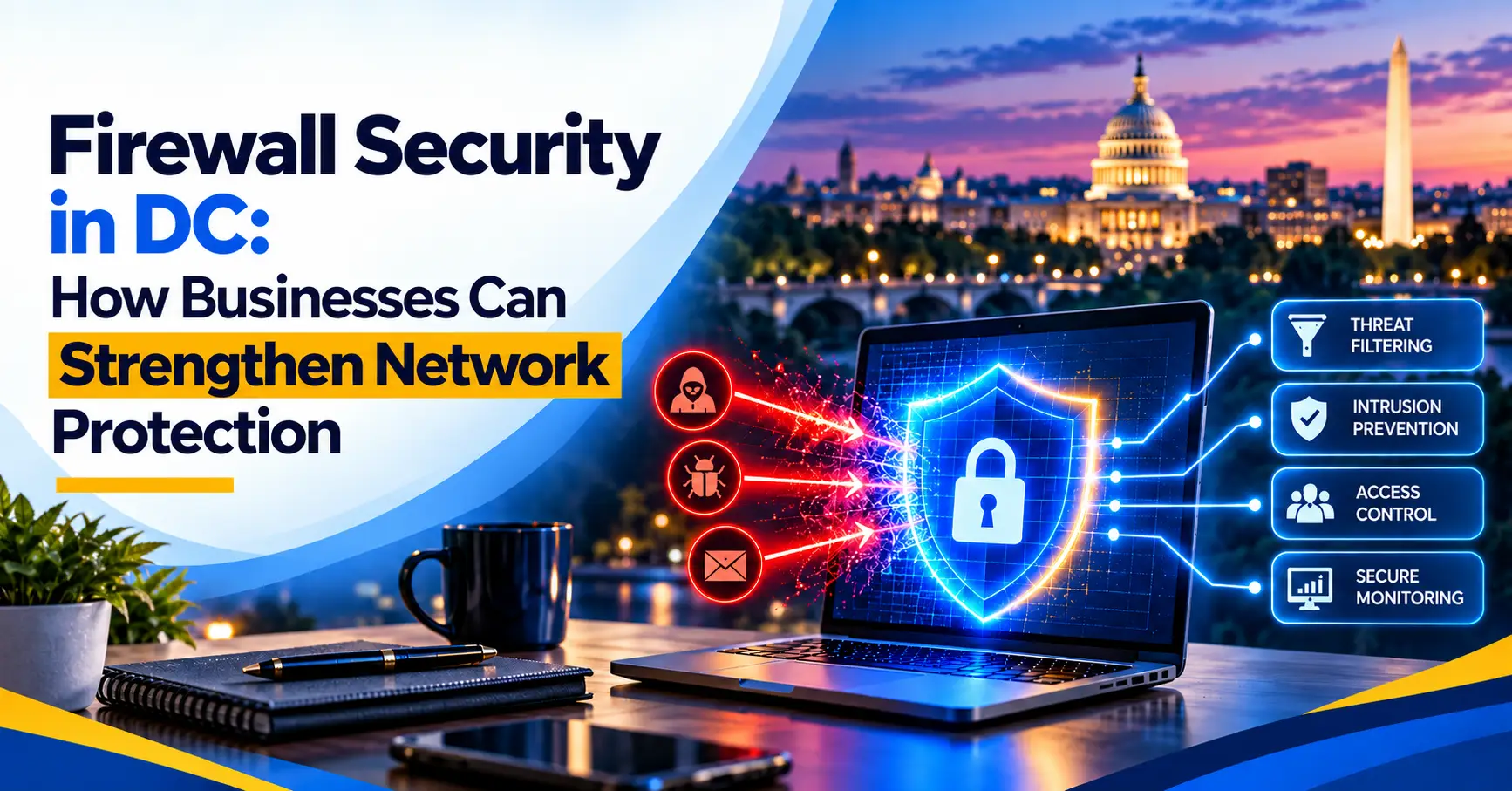
Firewall Security in DC: How Businesses Can Strengthen Network Protection
A small consulting firm upgrades its office internet, plugs in the new router, and gets back to work. Months later, an IT review finds remote access ports open to the internet, default admin passwords still in place, and no one reviewing firewall alerts. Nothing has gone wrong yet, but the door has been unlocked the entire time.
This is a common story, and it explains why firewall security in DC deserves more attention from business leaders. A firewall is one of the first lines of defense between your network and the internet. When it is outdated, misconfigured, or unmonitored, it can give a false sense of protection.
For small and mid-sized businesses in Washington, DC, the network carries client files, financial data, email, and cloud application traffic every day. Law firms, healthcare practices, financial firms, and government-related organizations all depend on that network being secure and available.
In this guide, Capitol Technology explains what firewall security is, how modern business firewalls work, the problems businesses commonly face, and how to choose the right support so your firewall actually strengthens your security posture.
What Is Firewall Security?
Firewall security is the use of a hardware or software firewall, along with the rules and monitoring behind it, to control which network traffic is allowed in and out of your business. It inspects connections between your internal network and the internet and blocks traffic that does not meet your security policies.
Think of a firewall as the security desk for your network. Every connection that tries to enter or leave is checked against a set of rules. Approved traffic passes through; suspicious or unauthorized traffic is stopped and logged.
Traditional firewalls vs. next-generation firewalls
Older firewalls mainly filtered traffic by IP address, port, and protocol. That is still useful, but much of today's traffic, including malicious traffic, runs over the same common ports used by legitimate web and cloud services.
Next-generation firewalls (NGFWs) add deeper inspection. Depending on the product and licensing, they can identify specific applications, filter websites by category, inspect encrypted traffic, detect known attack patterns through intrusion prevention, and apply rules based on users rather than only devices. For most businesses, this is what modern business firewall security means.
Where firewalls fit in network security for businesses
A firewall is one layer of network security for businesses, not the entire strategy. It works alongside endpoint protection, email security, multi-factor authentication, secure Wi-Fi, and regular patching. Its role is to reduce exposure at the network edge and between internal network segments, so other threats have fewer paths to follow.
Why Do Businesses Need Firewall Security?
Businesses need firewall security because every internet-connected network is constantly scanned for open ports, outdated services, and weak remote access. A properly configured firewall reduces what attackers can reach and gives your team visibility into what is happening at the network edge.
The business case goes beyond blocking bad traffic. A well-managed firewall helps protect client and financial data from unauthorized access, limits how far an infection can spread if a device is compromised, and secures remote access for employees working from home or traveling. It can also keep guest Wi-Fi, printers, and smart devices separate from systems that hold sensitive information.
There is a compliance and trust side as well. Clients, cyber insurers, and partners increasingly ask how your network is protected. Organizations that handle health, financial, or legal information often need to show they have reasonable controls in place, and firewall protection for businesses is usually one of the first things reviewed.
When a firewall is neglected, the impact can be significant: unauthorized access to files, ransomware entering through an exposed service, slow or unreliable connectivity, and time-consuming investigations after the fact.
Not sure whether your firewall is configured to protect your business today? Schedule a consultation call with Capitol Technology to review your firewall setup and identify gaps in your Washington, DC network.
What Are the Most Common Firewall Security Problems?
Many businesses have a firewall, but owning one is not the same as being protected by one. These are the issues that most often weaken network firewall security in small and mid-sized organizations.
Default or outdated configuration
Firewalls are often installed with default settings and never revisited. Default admin credentials, broad "allow all" outbound rules, and unused services left enabled can leave the network far more exposed than leaders realize.
Rules that pile up over time
Every new vendor, application, or remote access request can add a firewall rule. Over the years, rules accumulate, overlap, and are rarely removed. Old rules for former employees, retired systems, or past projects can quietly keep doors open.
Exposed remote access
Remote desktop and other management services opened directly to the internet are a common entry point for attackers. Secure remote access usually requires a VPN or zero-trust access solution, multi-factor authentication, and tightly limited rules.
Missed firmware updates
Firewalls run their own software, and vendors regularly release security patches. A firewall that has not been updated may contain known vulnerabilities that attackers actively look for.
Expired security subscriptions
Many next-generation features, such as intrusion prevention, web filtering, and threat intelligence, depend on active subscriptions. When licenses lapse, the firewall may keep passing traffic while those protections quietly stop working.
No one watching the logs
Firewalls generate useful alerts, but they only help if someone reviews them. Without firewall monitoring, repeated login attempts, blocked attacks, or unusual outbound traffic can go unnoticed.
Flat networks
When every device sits on the same network, a single compromised laptop or smart device can reach file servers and other critical systems. Segmentation reduces that risk.
How Does Business Firewall Security Work?
Business firewall security works by applying a defined set of rules to every connection entering, leaving, or moving within your network, then logging and alerting on activity that needs attention. A well-managed approach usually follows these stages.
- Assess the network. Identify users, devices, applications, cloud services, remote access needs, and sensitive systems. This shapes what the firewall should allow and block.
- Design the policy. Start from "deny by default" and allow only the traffic the business actually needs. Separate guest Wi-Fi, printers, smart devices, and servers into different network segments.
- Configure the firewall. Apply rules, secure the admin interface, enable multi-factor authentication for management and VPN access, and turn on features such as intrusion prevention and web filtering where licensed. Careful firewall configuration is where much of the real protection comes from.
- Inspect traffic. The firewall checks connections against its rules and, on next-generation devices, inspects applications, websites, and known attack signatures.
- Monitor and alert. Logs are reviewed regularly, and important events, such as repeated failed logins or blocked intrusion attempts, trigger alerts.
- Maintain and review. Firmware is updated, subscriptions are kept active, unused rules are removed, and the configuration is backed up and reviewed on a schedule.
Firewall security best practices
A few firewall security best practices make a meaningful difference for most businesses: change default credentials, restrict management access, avoid exposing remote desktop directly to the internet, segment the network, review rules at least periodically, keep firmware current, and document every change. None of these steps guarantees protection, but together they substantially reduce risk.
What Are the Benefits of Firewall Security Solutions?
The main benefit of well-managed firewall security solutions is a smaller, better-controlled attack surface, which helps reduce the chance of unauthorized access and limits damage if something does get through. The value shows up across the business.
Stronger security posture
A properly configured firewall blocks unnecessary exposure, filters known malicious traffic, and separates sensitive systems from everyday devices. As part of broader cybersecurity firewall protection, it makes other security layers more effective.
Better productivity and reliable connectivity
Modern firewalls can prioritize business-critical applications such as video calls and cloud platforms, and block bandwidth-heavy or risky sites. Employees get more consistent performance, and IT spends less time troubleshooting slow connections.
Secure remote and hybrid work
Firewall-based VPN or secure access features let employees reach company resources from home or on the road with controls such as multi-factor authentication, without opening sensitive systems directly to the internet.
Efficient, visible security operations
Centralized logs and alerts give a clear picture of what is happening on the network. That visibility speeds up investigations and helps your team, or your IT partner, focus on events that matter.
Cost management
Preventing even one serious incident can avoid significant recovery costs, downtime, and lost billable hours. Firewall hardware and subscriptions are typically a predictable, budgetable expense by comparison.
Scalability as you grow
Business-grade firewalls can support additional users, locations, and network segments as your organization expands, with policies managed consistently across sites.
Why Firewall Security in DC Needs Professional Support
For Washington, DC businesses, a secure and reliable network is essential for protecting client information, supporting remote work, and keeping daily operations running. Many local organizations are professional services firms whose clients expect confidential information to be handled with care.
The priorities differ by industry. Law firms need to protect privileged client communications and document systems. Healthcare organizations must safeguard patient-related data while keeping clinical and administrative systems available. Financial services firms handle sensitive transaction and account information.
Government relations firms and policy advisors often work with confidential client strategy and research. Construction, engineering, and consulting firms frequently connect job sites, branch offices, and remote staff, which makes secure site-to-site and remote access especially important.
When to bring in expert help
Most small and mid-sized businesses do not have a network security specialist on staff. Firewall management tends to fall to whoever set it up originally, and reviews happen only when something breaks. Professional support makes sense when no one can say who last reviewed your firewall rules, when your firewall or its subscriptions are nearing end of life, when you are adding offices or remote staff, or when a client or insurer asks you to document your network controls.
Capitol Technology's data and network security services help businesses configure, update, and monitor firewalls as part of a layered security approach. For organizations planning new offices or upgrades, our network design services help build segmentation and secure access into the network from the start, and our managed IT services in Washington, DC provide ongoing support so firewall maintenance does not fall through the cracks.
How to Choose the Right Firewall Security Provider
The right firewall security provider is one that designs rules around how your business actually works, keeps the firewall updated and monitored, and explains risks in clear business terms. The firewall brand matters less than how well it is configured and maintained.
Start with a firewall and network review
Before replacing hardware or signing a new contract, find out where you stand: the firewall's age and support status, active subscriptions, open ports, remote access setup, and rule quality. IT audit and consulting services can provide that baseline and help you prioritize fixes.
Questions to ask a potential provider
- How will you configure our firewall policy? Look for a "deny by default" approach built around your actual applications and users.
- Who monitors alerts, and how are serious events handled? Ask how alerts are reviewed and escalated.
- How do you handle firmware updates and subscriptions? Updates and renewals should be tracked, not left to chance.
- How do you secure remote access? Expect VPN or secure access with multi-factor authentication, not open remote desktop ports.
- Will you segment our network? Guest, device, and server traffic should be separated where practical.
- How often are rules reviewed and documented? Periodic cleanup prevents rule sprawl.
- Do you understand our industry? Legal, healthcare, and financial organizations have specific data protection expectations.
Choose a partner, not just a box
A firewall works best when it is managed as part of your broader network and security environment. A partner who understands your network, cloud services, and endpoints can make sure the firewall supports the business rather than getting in its way.
Conclusion
A firewall only protects your business as well as it is configured, updated, and monitored. Effective firewall security in DC means more than owning the right device. It means clear rules built around how your business works, secure remote access, network segmentation, current firmware and subscriptions, and someone paying attention to the alerts.
For businesses across Washington, DC, a practical first step is a simple review of your current firewall: how old it is, what it allows, and who is maintaining it. Capitol Technology helps local organizations answer those questions and strengthen network protection as part of ongoing IT and security support.
An outdated or unmonitored firewall can leave your business exposed without anyone noticing. Schedule a consultation call with Capitol Technology to review your firewall security and get clear next steps for your Washington, DC business.
Frequently Asked Questions About Firewall Security in DC
What is firewall security for a business?
Firewall security for a business is the use of a firewall, along with well-designed rules and ongoing monitoring, to control which traffic can enter, leave, or move within the company network. It helps block unauthorized access and reduces exposure to internet-based threats.
For most businesses today, this means a next-generation firewall that can inspect applications, filter web traffic, and detect known attack patterns, managed as one layer of a broader security strategy.
How much does business firewall security cost?
Cost depends on the number of users and locations, your internet bandwidth, the firewall model, and which security subscriptions you need, such as intrusion prevention or web filtering. Most business firewalls involve an upfront hardware cost plus recurring subscription and support fees.
Implementation for a small or mid-sized office is often completed in days to a few weeks, depending on network complexity and how much cleanup the existing setup needs. Ongoing monitoring and maintenance are usually priced separately and are where much of the long-term value comes from.
Does a small business really need a business-grade firewall?
In most cases, yes. The basic router supplied by an internet provider is designed for connectivity, not for business security. It usually lacks features such as intrusion prevention, detailed logging, secure VPN options, and network segmentation.
If your business stores client data, processes payments, supports remote employees, or must answer security questionnaires from clients or insurers, a business-grade firewall that is properly managed is a sensible investment.
How do I choose a firewall security provider in Washington, DC?
Look for a provider that starts with an assessment of your current network, configures the firewall around your actual business needs, keeps firmware and subscriptions current, and monitors alerts. Ask how they secure remote access and how often they review firewall rules.
Industry experience matters too. A provider familiar with law firms, healthcare, financial services, or government-related organizations will better understand your data protection expectations. Local support can also help when on-site work or quick response is needed.
How often should firewall rules and firmware be reviewed?
Firmware should be updated as vendors release security patches, after appropriate testing. Many organizations review firewall rules at least a few times a year and whenever there is a significant change, such as a new office, application, or remote access requirement.
Regular reviews help remove outdated rules, close unnecessary access, and confirm that security subscriptions are still active. Documenting each change also makes troubleshooting and audits much easier.