Microsoft Is Moving Beyond SMS MFA: What Businesses Need to Know About Passkeys
Learn how Microsoft’s move beyond SMS MFA affects businesses, why passkeys are more secure, and how to prepare users before the 2027 transition.
SMS multifactor authentication is safer than using a password alone. However, it is no longer strong enough for every modern threat. Microsoft is moving Entra ID customers toward passkeys and other phishing-resistant methods for Microsoft 365, cloud applications, and employee accounts.
This does not mean SMS MFA disappears overnight. Businesses need to understand the timeline and prepare users without causing sign-in problems.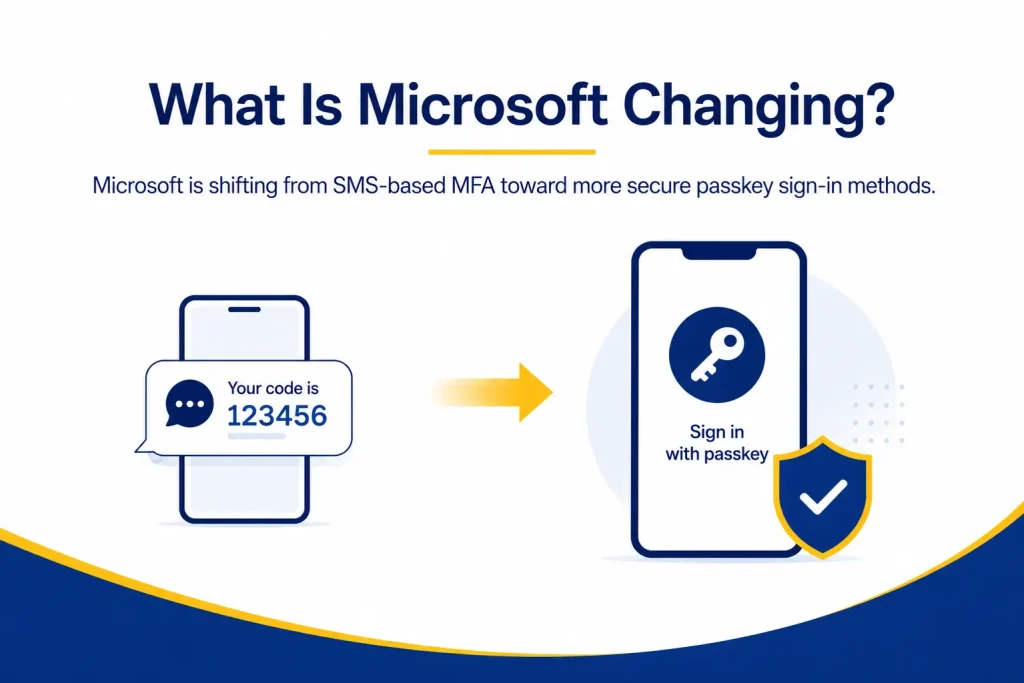
What Is Microsoft Changing?
Microsoft is making passkeys the preferred authentication experience in Microsoft Entra ID. According to its current SMS and voice retirement guidance, two dates matter most:
- September 1, 2026: Users enabled for SMS or voice authentication will be automatically enabled for passkeys. Microsoft will also begin prompting eligible users to register a passkey.
- February 1, 2027: Microsoft-provided SMS and voice delivery for Entra ID authentication will retire.
After the February deadline, users who depend only on Microsoft’s SMS or voice service may face a blocking passkey registration prompt. Microsoft says there will be no opt-out from this enforcement.
Businesses with a valid operational or regulatory need may be able to use a customer-managed provider through the Microsoft Security Store. Therefore, Microsoft is ending native delivery, not banning every possible use of SMS.
Why Is Microsoft Moving Beyond SMS MFA?
An SMS code is still a secret that a user can reveal or enter into a fraudulent website.
Attackers may target SMS authentication through:
- Convincing phishing pages that capture codes in real time
- Social engineering against employees or mobile carriers
- SIM-swap attacks that redirect a victim’s phone number
- Malware that reads messages or notifications
- Attacks that relay sign-in information in real time
In contrast, a passkey is linked to the real website or application. It does not create a reusable code that an employee can share. Therefore, protection no longer depends only on a user’s ability to spot every fake prompt.
What Are Passkeys?
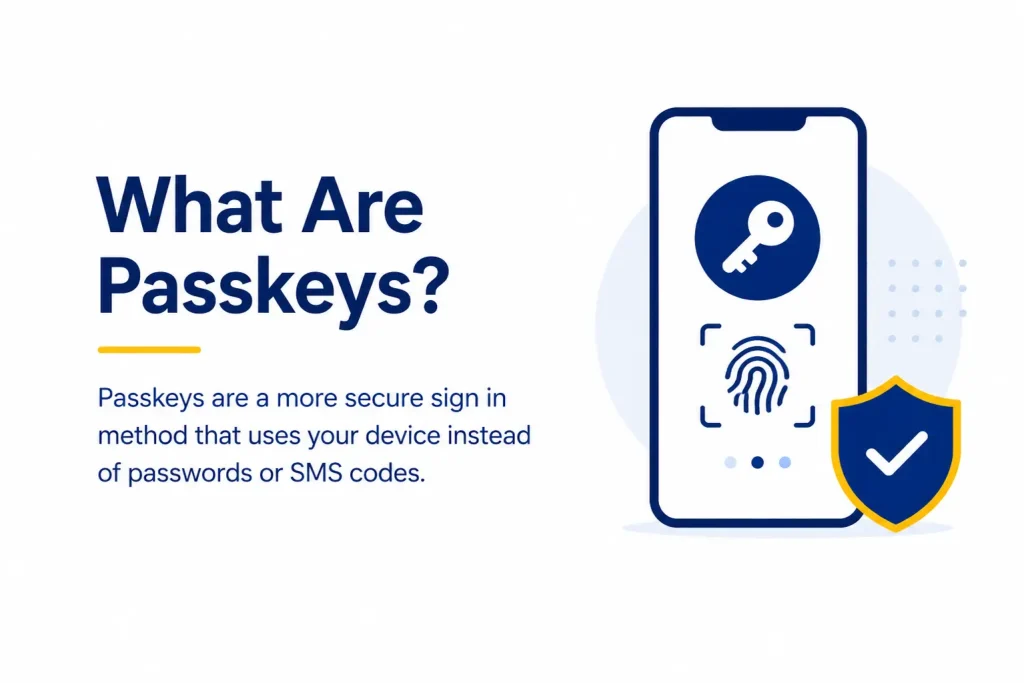
Passkeys are password less credentials based on FIDO standards. They use public-key cryptography instead of a password or one-time code. The service stores a public key, while the user’s device protects the matching private key.
During sign-in, the device responds to a secure challenge. The user unlocks the passkey with a fingerprint, face scan, device PIN, or hardware key. The private key is not sent to Microsoft.
Microsoft describes passkeys in Entra ID as phishing-resistant. A fake website cannot reuse one as it can a password or SMS code.
What Types of Microsoft Passkeys Are Available?
Microsoft Entra ID supports different passkey options. The best choice depends on each user’s role, devices, risk, and regulatory requirements.
Synced Passkeys
Synced passkeys can move across approved devices through a provider such as Apple iCloud Keychain or Google Password Manager. They are a convenient, lower-cost option for many users. However, they do not support attestation, which verifies an authenticator’s source.
Device-Bound Passkeys
A device-bound passkey stays on one device. Examples include Microsoft Authenticator passkeys, Entra passkeys on Windows, and FIDO2 security keys. These options may better suit administrators, executives, finance teams, and regulated users. However, the business must plan for lost devices and recovery.
Windows Hello for Business
Windows Hello for Business also provides phishing-resistant authentication. Employees unlock its device-bound credential with a PIN or biometric gesture. It can support organizations that already manage compatible Windows devices.
What Are the Business Benefits of Passkeys?
The move to Microsoft passkeys is mainly a security change. Still, it can improve daily work by providing:
- Stronger phishing protection: Employees cannot type a passkey into a fake site.
- Faster sign-ins: Users can often sign in with a face scan, fingerprint, PIN, or security key.
- Fewer password problems: Passwordless authentication can reduce resets and account lockouts.
- Safer privileged access: Phishing-resistant MFA better protects valuable administrative accounts.
- Flexible policies: Entra Conditional Access can require stronger methods based on role, application, device, location, or risk.
What Challenges Should Businesses Expect?
Passkeys improve security, but deployment still requires planning. Employees use different devices, operating systems, and browsers. In addition, lost phones, replaced laptops, and damaged security keys require a safe recovery path.
Shared accounts and unmanaged devices may also need special attention. Meanwhile, regulated organizations may require device-bound credentials, attestation, or documented exceptions. Review these needs before choosing a default method.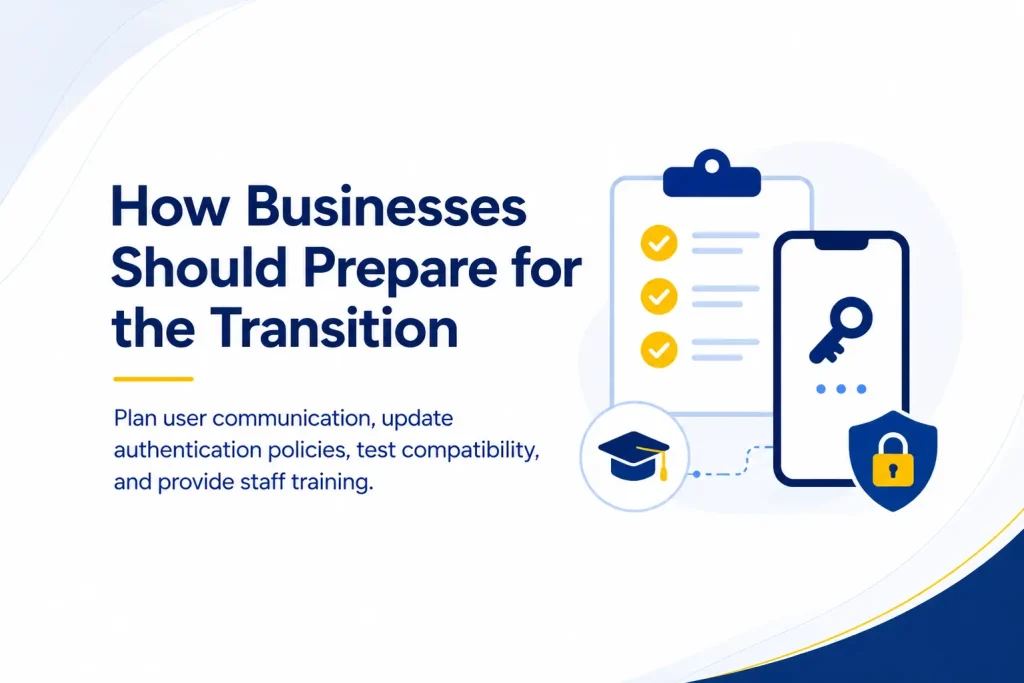
How Businesses Should Prepare for the Transition
1. Identify Current SMS and Voice Users
Begin with the Microsoft Entra authentication methods activity report. Determine who is registered for SMS or voice, who actively uses those methods, and which accounts have no stronger option.
2. Review Devices and User Groups
Document operating systems, browsers, mobile devices, ownership models, and accessibility needs. Then group users by risk and working requirements.
For example, standard employees may use synced passkeys. Meanwhile, administrators may receive device-bound passkeys or hardware security keys.
3. Define Recovery and Emergency Access
Decide how users will regain access after losing or replacing a device. Confirm who can verify identity, issue a temporary method, revoke an old passkey, and register a replacement.
Emergency access accounts also need careful protection. They should be tightly monitored and excluded only where the documented recovery design requires it.
4. Test With a Pilot Group
Start with a small group that represents different devices and job roles. Test registration, daily sign-ins, application compatibility, new-device setup, lost-device recovery, and IT support procedures.
5. Enable Passkeys and Registration Campaigns
Microsoft Entra allows administrators to target passkey policies to selected groups. It also supports registration campaigns that prompt eligible users to create a passkey during sign-in.
Begin with the pilot group. Then expand in manageable stages while monitoring registration and support requests.
6. Communicate Clearly
Tell employees why the change is happening, when action is required, and what the registration prompt will look like. Provide device-specific instructions and warn users never to approve unexpected sign-in activity.
Clear communication also reduces the risk that attackers will imitate the migration process in phishing emails.
7. Update Support Procedures
The IT team needs documented steps for registration errors, replacement devices, lost security keys, account recovery, and access revocation. Support staff should also know which passkey types are approved for each user group.
8. Reduce SMS Dependence Before the Deadline
Do not wait until February 2027. Track adoption, contact users who have not registered, and investigate exceptions. If SMS must remain for a specific purpose, document the need and assess the customer-managed provider option.
Mistakes to Avoid During Passkey Adoption
Common mistakes include:
- Assuming every user and device has the same requirements
- Enabling passkeys without testing account recovery
- Migrating every employee at the same time
- Failing to protect administrative accounts first
- Keeping SMS active without a documented reason
- Sending unclear instructions that resemble phishing messages
- Forgetting contractors, shared devices, and temporary workers
- Treating registration as the end of the project
Successful adoption requires policy, communication, support, monitoring, and regular review.
How Capitol Technology Can Help
Capitol Technology can help businesses review their Microsoft 365 and Entra ID authentication environment, identify SMS-dependent users, select suitable passkey options, and plan a controlled migration.
We can also support pilot testing, Conditional Access planning, user communication, account recovery procedures, and ongoing monitoring. Therefore, your organization can strengthen identity security while reducing avoidable disruption.
Conclusion
Microsoft’s shift beyond SMS MFA is an important security change. Starting September 1, 2026, passkeys become the default experience for affected Entra ID users. Then, on February 1, 2027, Microsoft-provided SMS and voice authentication will retire.
Businesses should use the remaining time to understand current authentication methods, choose appropriate passkey types, test recovery, train users, and roll out the change in phases.
The goal is not simply to replace text messages. It is to build an authentication process that is harder to phish, easier to use, and better prepared for modern identity threats.
It also supports smoother daily access.
Ready to prepare your Microsoft environment for passkeys? Contact Capitol Technology for an authentication readiness assessment and a practical migration plan.
Frequently Asked Questions
Is Microsoft Ending SMS MFA Completely?
Microsoft-provided SMS and voice delivery in Entra ID is scheduled to retire on February 1, 2027. Organizations with a valid need may be able to use a customer-managed telecommunications provider. However, Microsoft recommends moving most users to phishing-resistant methods.
Are Passkeys the Same as Microsoft Authenticator Codes?
No. A time-based code is still a code that can be entered into a phishing site. A passkey uses public-key cryptography and is linked to the legitimate service.
Do Passkeys Replace Passwords and MFA?
A passkey can provide passwordless, multifactor authentication when it is unlocked with a device PIN or biometric gesture. The exact experience depends on the passkey type and organization policy.
When Should a Business Start Preparing?
Businesses should start now. Inventory current methods, test passkeys with a pilot group, plan recovery, and migrate users well before the February 1, 2027 deadline.