How to Build a Robust IT Disaster Recovery Plan: Preparing for the Unexpected
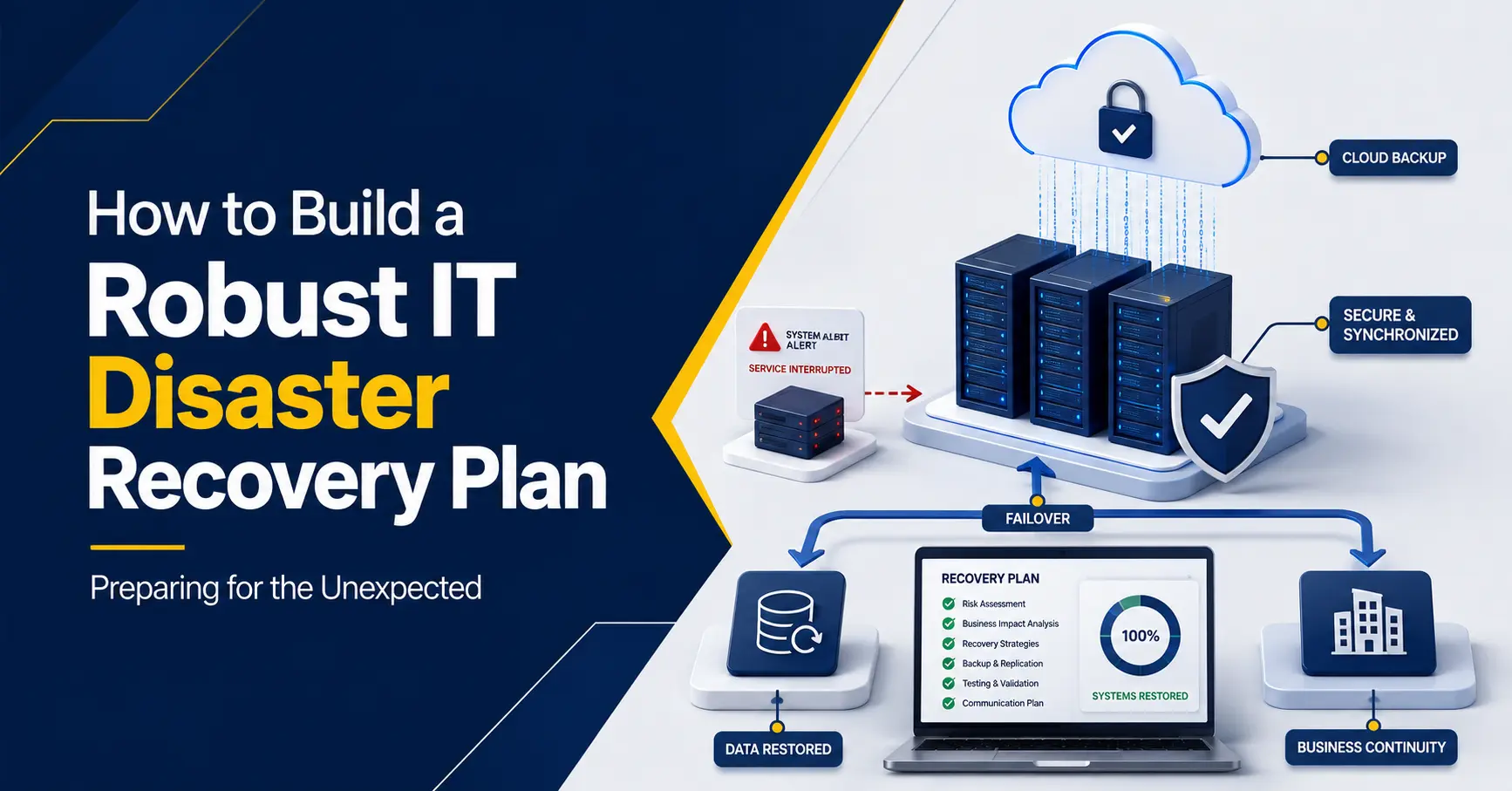
Every business depends on technology. Employees need files, applications, email, networks, and cloud services to work. If these systems become unavailable, operations can slow down or stop.
The cause may be a cyberattack, hardware failure, power outage, accidental deletion, severe weather, or a problem with a service provider. The exact event is difficult to predict, but the need to recover is not.
An IT disaster recovery plan explains how a business will restore technology and data after a serious disruption. It identifies critical systems, priorities, responsible people, backups, and recovery steps.
A strong plan replaces confusion with clear action. It helps reduce downtime, protect information, and give employees confidence during a high-pressure situation.
This guide explains how to build, test, and maintain a practical disaster recovery plan for your business.
What Is an IT Disaster Recovery Plan?
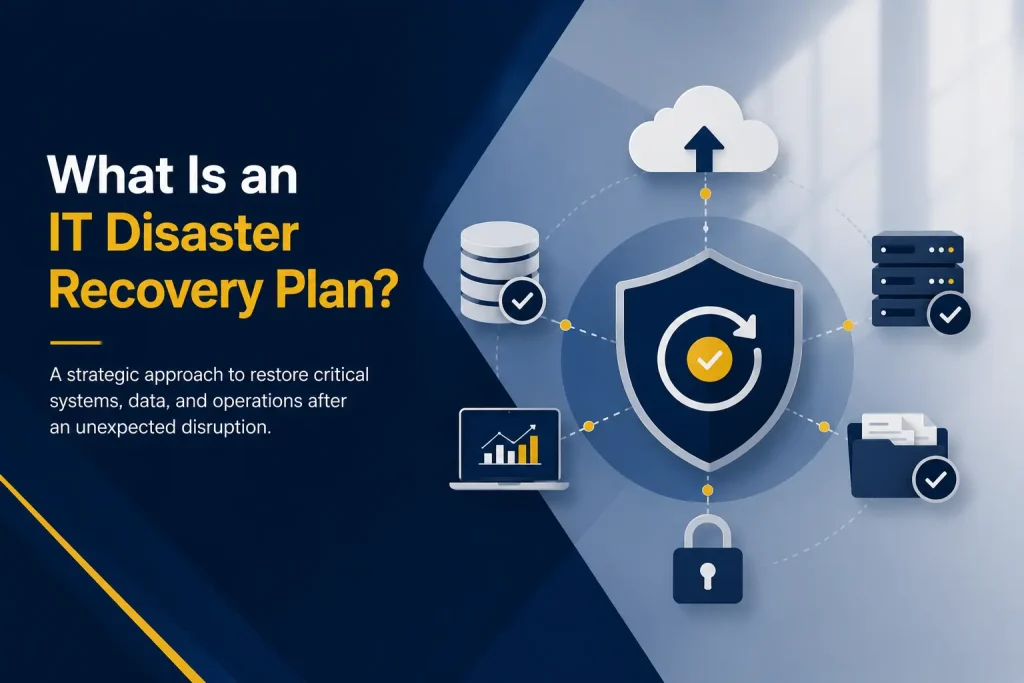
An IT disaster recovery plan is a documented process for restoring technology systems, applications, networks, and data after an unexpected disruption.
The plan should answer:
- Which systems must be restored first?
- How much downtime can the business accept?
- How much recent data can be lost?
- Where are backups stored?
- Who has authority to activate the plan?
- How will employees and customers receive updates?
- How will the business confirm that restored systems are safe?
Disaster recovery is closely connected to business continuity, but the terms are not identical. Business continuity covers how the organization will continue its essential operations during a disruption. Disaster recovery focuses on restoring the technology that supports those operations.
The two plans should work together. Restoring a server provides limited value if employees cannot continue serving customers.
Why Disaster Recovery Planning Matters
Without a documented plan, teams may not know which system has priority, whether backups work, or who should contact vendors. This uncertainty increases downtime.
A tested IT disaster recovery plan helps a business:
- Restore essential systems in the correct order
- Reduce operational and financial disruption
- Protect critical business information
- Coordinate employees and technology providers
- Meet contractual or regulatory obligations
- Communicate more clearly during an incident
- Improve customer and stakeholder confidence
- Learn from disruptions and strengthen resilience
A backup is important, but it is not a complete plan. Businesses also need access, instructions, systems, and trained people.
Events an IT Disaster Recovery Plan Should Cover The plan should address several types of disruption:
- Cybersecurity incidents: Ransomware, malware, and unauthorized access may make systems unavailable. Recovery must include containment and security checks.
- Technology failures: Servers, storage, networks, and applications can fail without warning.
- Service outages: Power, internet, phone, and cloud-provider outages may block access to essential tools.
- Human error: Deleted files or incorrect settings can interrupt critical processes.
- Physical events: Fire, flooding, storms, or building-access problems may make an office or on-site equipment unavailable.
Recovery resources should not depend entirely on the same location, system, or provider affected by the incident.
Steps to Build an IT Disaster Recovery Plan
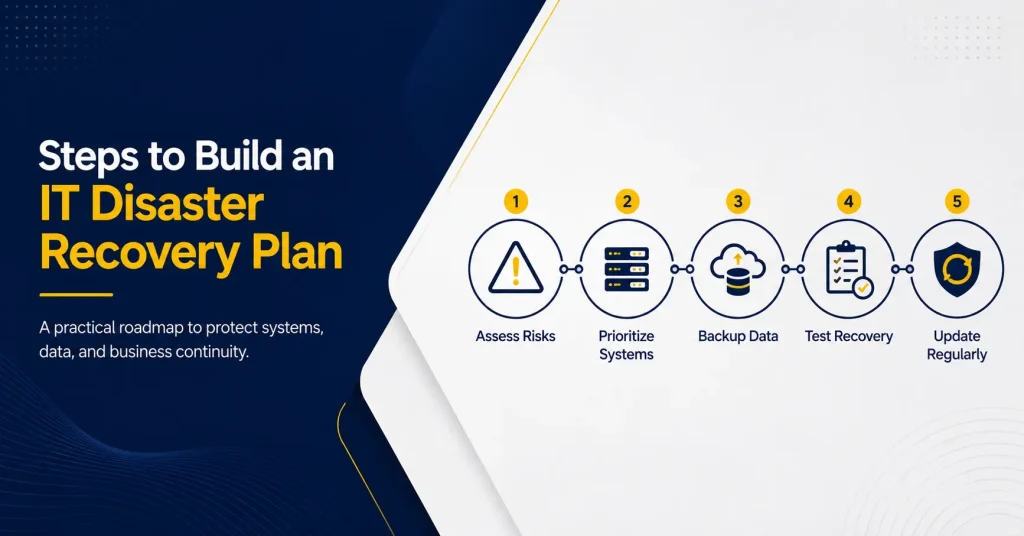
The following process creates a plan based on business priorities rather than assumptions.
1. Create an Inventory of Technology and Data
Document the systems that support the business. Include hardware, applications, cloud services, networks, databases, file storage, user directories, backups, and third-party providers.
Record who owns each system, where its data is stored, which processes use it, and what it needs to function. This prevents critical resources from being overlooked.
2. Conduct a Business Impact Analysis
A business impact analysis determines what happens when a system becomes unavailable. For each process, consider:
- How quickly the outage affects employees or customers
- Which financial, legal, or contractual consequences may follow ● Whether employees can use a temporary manual procedure
- How the impact increases as the outage continues
This helps leaders separate essential systems from those that can wait. Ready.gov’s business continuity guidance also places the business impact analysis at the center of planning.
3. Define Recovery Objectives
Two measures guide disaster recovery priorities.
Recovery Time Objective (RTO) is the target time for restoring a system. A four-hour RTO requires resources and procedures designed for recovery within four hours.
Recovery Point Objective (RPO) is the acceptable data loss measured in time. A one-hour RPO requires backups or replication that limit loss to about one hour.
RTO and RPO should reflect business needs. Shorter targets usually require more technology and cost. Not every system needs immediate recovery.
4. Choose Backup and Recovery Methods
Match recovery technology to the priority of each system.
Options may include:
- Local and cloud backups
- Off-site backup copies
- Immutable or offline backups
- Replication to a secondary system
- Standby devices or virtual servers
- Alternate internet connections
- Replacement-equipment agreements
- Cloud-based disaster recovery services
Backups need protection from the incident affecting production. If ransomware can change every backup, recovery may fail.
Define what is backed up, how often, how long copies are retained, and how restoration will work.
5. Assign Roles and Responsibilities
A recovery plan needs named owners rather than general instructions for “the IT team.” Assign responsibility for activating the plan, assessing the incident, containing threats, restoring systems, contacting vendors, communicating updates, and approving normal operations.
Include primary and backup contacts so the plan remains usable when a key employee is unavailable.
6. Document Recovery Procedures
Write clear, step-by-step instructions for restoring each critical system.
Procedures should include prerequisites, secure access methods, dependencies, restoration order, vendor contacts, validation checks, and escalation steps.
Store protected copies of the plan in more than one accessible location. A plan saved only on an unavailable server cannot guide recovery.
NIST’s contingency planning guidance emphasizes system priorities, recovery strategies, plan development, testing, training, and maintenance.
7. Create a Communication Plan
Employees need to know which systems are unavailable, how to work, and when the next update will arrive.
Identify approved communication channels and message owners. Cover customers, vendors, insurers, legal counsel, regulators, and other stakeholders when required.
Avoid sharing unconfirmed details. Clear, accurate updates reduce confusion and prevent conflicting messages.
8. Test the Plan
A plan is not reliable until tested. Options include:
- Tabletop exercise: The team discusses how it would respond to a realistic scenario.
- Backup restoration test: Selected files, databases, or systems are restored to confirm that backups work.
- Technical simulation: Recovery procedures are performed in a controlled environment.
- Failover test: Operations move to an alternate system or location when this can be done safely.
Record failures, timing, and unclear instructions. Update the plan after each test.
9. Train Employees
Employees need to know how to report an incident, find instructions, use approved communication channels, and avoid harmful actions.
Train staff responsible for operations, communications, leadership decisions, and technical recovery. Include critical vendors.
10. Review and Update the Plan
New employees, applications, vendors, devices, and cloud services can make a recovery plan outdated.
Review it regularly and after major changes, tests, or incidents. Confirm contacts, backup coverage, objectives, dependencies, and vendor responsibilities.
Common Disaster Recovery Planning Mistakes
Businesses often weaken recovery efforts by:
- Treating backups as the entire recovery plan
- Failing to test whether data can be restored
- Keeping every backup connected to the production environment
- Setting recovery goals without considering cost or business impact
- Ignoring cloud services and third-party providers
- Relying on one employee to manage recovery
- Forgetting communication and manual-work procedures
- Storing the only plan copy on the main network
- Failing to update the plan after technology changes
A current, tested plan is more useful than a detailed document no one can follow.
Steps to Build an IT Disaster Recovery Plan
Capitol Technology’s managed IT services include backup and disaster recovery, network monitoring, server maintenance, data security, and endpoint protection.
Capitol Technology can help assess critical systems, establish backup coverage, define recovery priorities, and document a practical disaster recovery strategy. Monitoring and maintenance can identify problems before they grow.
Conclusion
Unexpected events cannot always be prevented, but their impact can be reduced.
A robust IT disaster recovery plan identifies critical systems, sets recovery goals, protects backups, assigns responsibilities, and documents restoration. Testing confirms whether it works.
Disaster recovery planning is not a one-time task. It must change as the business, its technology, and its risks change.
Ready to strengthen your recovery preparation? Contact Capitol Technology to review your current environment and build a disaster recovery plan around your business priorities.
Frequently Asked Questions
What Should an IT Disaster Recovery Plan Include?
It should include technology inventories, recovery priorities, RTOs, RPOs, backup methods, system dependencies, assigned roles, vendor contacts, communication procedures, recovery instructions, and a testing schedule.
What Is the Difference Between Disaster Recovery and Business Continuity?
Disaster recovery focuses on restoring technology and data. Business continuity covers how the organization will maintain essential operations during and after a disruption.
How Often Should a Disaster Recovery Plan Be Tested?
Testing frequency should reflect business risk and applicable requirements. Test the plan regularly and after major changes to systems, locations, vendors, or business operations.
Is Cloud Backup Enough for Disaster Recovery?
Not by itself. A complete plan must also address access, security, restoration procedures, system dependencies, recovery priorities, communications, and the people responsible for recovery.