Is Outdated Technology Holding Your Business Back?
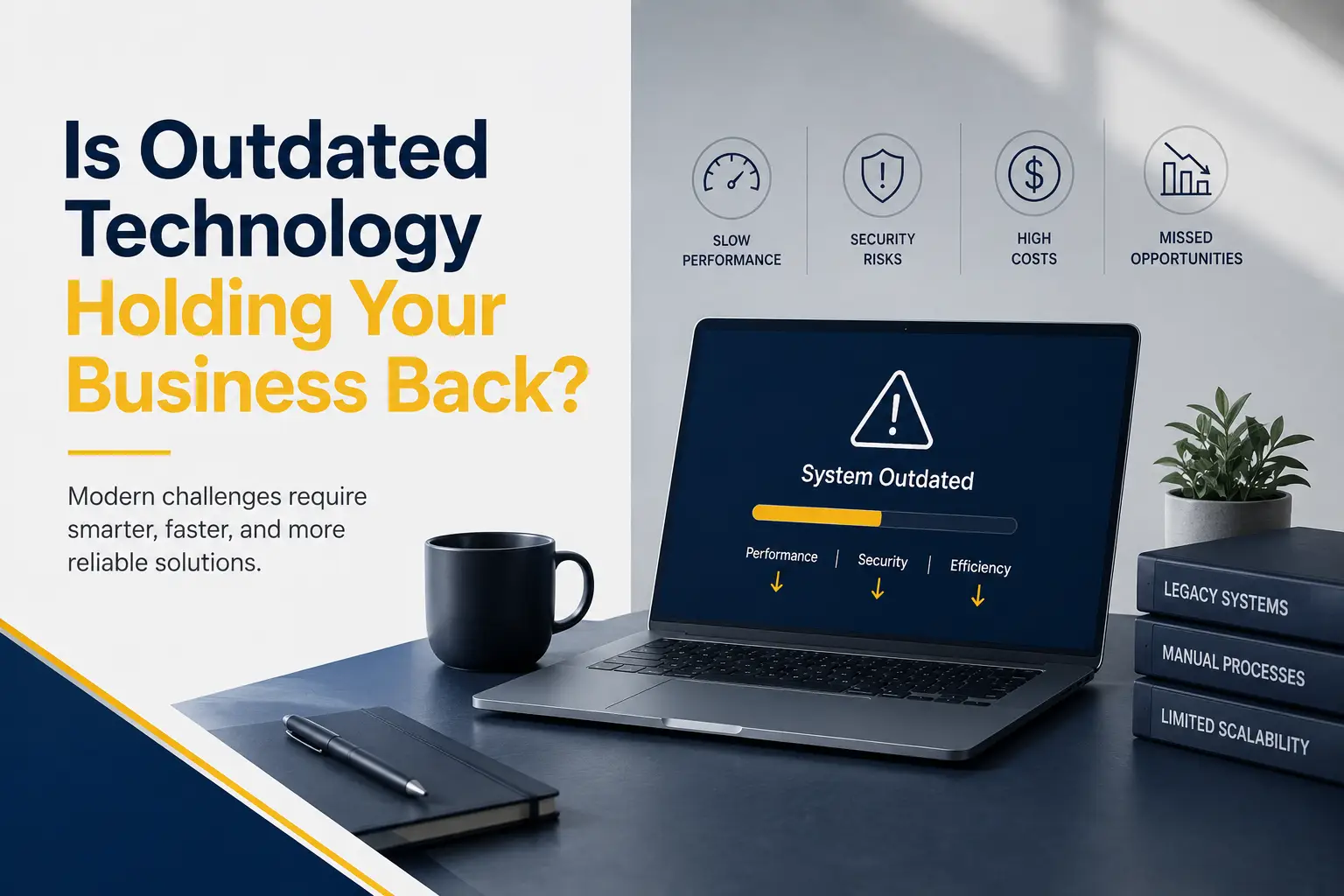
Technology should help employees work efficiently and serve customers. Systems that once worked well can gradually become barriers.
Computers take longer to start. Applications freeze during important tasks. Employees enter the same information into several systems. Security updates are no longer available. New software cannot connect with older platforms.
These problems are easy to accept when they develop slowly. Employees create workarounds and managers delay replacements. The cost remains hidden in lost time, errors, support expenses, and security exposure.
Outdated technology does not always look broken. A system can remain operational while quietly limiting productivity and growth.
This guide explains how to recognize outdated IT systems, understand their business impact, and modernize technology without replacing everything at once.
What Is Considered Outdated Technology?
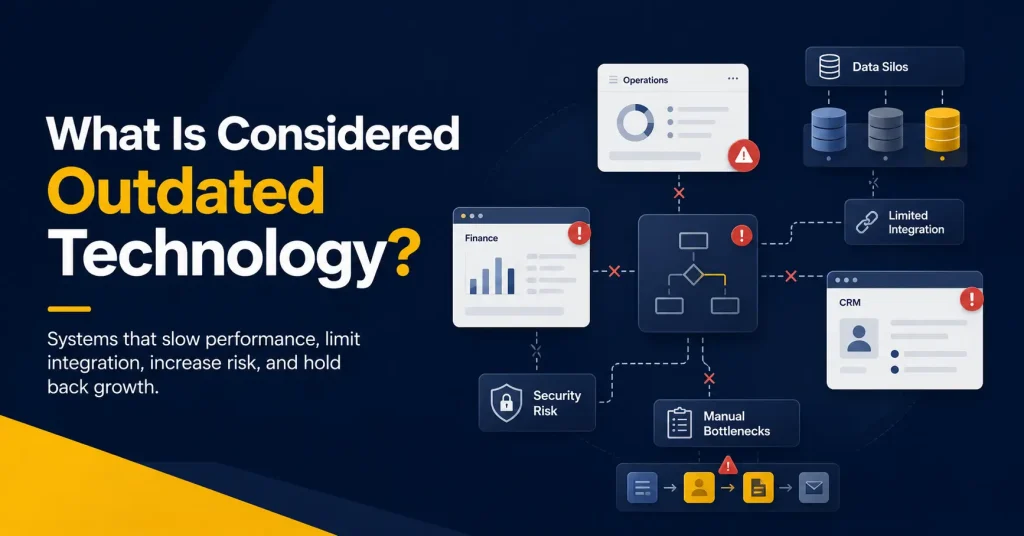
Outdated technology includes hardware, software, networks, and processes that no longer meet the needs of the business.
A system may be outdated when it:
- No longer receives security updates or vendor support
● Runs too slowly for normal business tasks
● Cannot connect with current applications
● Requires frequent repairs or manual workarounds
● Prevents secure remote access
● Does not support current compliance requirements
● Depends on difficult-to-find skills or replacement parts
● Limits the business’s ability to grow
Age alone does not determine whether technology should be replaced. An older system may remain secure and suitable. A newer application may still be a poor fit.
The right question is not simply, “How old is this system?” It is, “Does this system still support the business safely and effectively?”
Signs Outdated Technology Is Slowing Your Business Down
Technology problems often appear first in daily employee experiences. Common warning signs include:
- Devices take too long to start or open applications
● Systems crash or become unavailable regularly
● Employees rely on spreadsheets for processes that should be connected
● Information must be copied between applications
● Staff cannot find the latest version of a document
● Remote employees have unreliable access
● Reports require hours of manual preparation
● Vendors no longer support important products
● New tools cannot integrate with existing systems
● IT spending increases while performance stays the same
One issue may not justify an upgrade. Several repeated problems often indicate the need for a structured review.
The Business Costs of Outdated Technology
The purchase price of a replacement is visible. The cost of keeping an inadequate system is more difficult to see.
Lower Employee Productivity
A few minutes lost to a slow computer may seem minor. Repeated across the team, that delay becomes a significant cost.
Old systems may also require duplicate data entry, troubleshooting, and extra approvals. Employees spend time managing technology instead of valuable work, and repeated frustration can affect morale.
More Downtime and Support Problems
Aging hardware is more likely to fail. Unsupported software may become unstable, and older equipment may require specialized parts. Repeated repairs can eventually cost more than replacement.
Downtime also affects customers. Delayed responses, unavailable services, and missed deadlines can damage confidence in the business.
Greater Cybersecurity Risk
Unsupported software and devices may stop receiving security patches. Newly discovered weaknesses can remain open because the manufacturer no longer provides a fix.
CISA has addressed the risk of end-of-support edge devices, emphasizing the need to identify and replace unsupported internet-facing technology.
Legacy systems may also lack authentication, encryption, monitoring, and secure access controls. Security tools cannot fully protect technology that was not designed for current threats.
Compatibility and Integration Problems
Businesses rely on applications that share information. Older software may not support current integrations, forcing employees to copy data manually.
Compatibility problems can also prevent the business from adopting useful cloud services, automation, analytics, or mobile tools.
Higher Long-Term Costs
Keeping a legacy system may avoid an immediate purchase, but it can create other costs:
- Emergency repairs
● Specialized support
● Extended software agreements
● Extra employee time
● Duplicate applications
● Higher energy use
● Downtime and recovery
● Security incidents
A complete cost comparison should include these expenses, not only the price of new technology.
Limited Ability to Grow
A process that works for ten employees may fail at fifty. Limits on users, data, locations, or remote access can turn growth into more manual work.
Scalable technology allows the business to add employees, customers, and services without rebuilding every process.
Compliance and Contract Risks
Businesses may face requirements for data protection, access, records, updates, and incident response. Unsupported software, poor logs, weak controls, or incomplete documentation make these harder to meet.
Customers and partners may also require evidence that vendors use secure, supported technology.
An outdated system can therefore affect both compliance and the ability to win or retain contracts.
Why Businesses Delay Technology Upgrades
Companies often delay replacement for understandable reasons:
- The current system still performs its basic function
● Upgrade costs appear too high
● Employees are familiar with the existing process
● Leaders fear downtime during migration
● Important data may be difficult to move
● The business lacks a clear modernization plan
● A customized legacy application has no simple replacement
These concerns require planning. Replacement may occur in stages, while risks around systems that remain are reduced.
The goal is to make informed decisions before an old system forces an emergency change.
How to Modernize Outdated IT Systems
A planned approach reduces cost, disruption, and risk.
1. Conduct a Business Technology Assessment
Create an inventory of devices, applications, networks, cloud services, licenses, vendors, warranties, and support dates.
Ask employees which systems cause delays or workarounds. Technical reports show device health, while feedback reveals the operational effect.
2. Identify Business and Security Risks
Review each system for performance, reliability, vendor support, security, compliance, integration, and recovery.
Prioritize systems that are unsupported, internet-facing, operationally critical, or responsible for repeated failures.
3. Calculate the Total Cost
Compare the cost of modernization with the full cost of keeping the current system. Include repairs, support, downtime, manual labor, licensing, energy, and risk.
4. Define the Required Outcome
Do not begin by choosing a product. Define what the business needs to improve.
The goal may be faster processing, secure remote access, fewer support requests, better reporting, less downtime, or easier growth.
5. Create a Phased Upgrade Plan
Not every system needs to change at once. Divide modernization into projects based on urgency, dependencies, cost, and business impact.
Correct serious security risks first. Then address systems that create productivity problems or block other improvements. A phased plan gives employees time to learn.
6. Protect Data and Prepare for Migration
Before replacing a system, identify what data must move, what can be archived, and what should be securely deleted.
Clean records before migration. Verify backups, test the new environment, and document how to return to the previous system if the migration fails.
7. Train Employees and Measure Results
Explain why the change is happening and how it will improve daily work. Training should use real examples from each role.
After launch, track processing time, downtime, errors, support requests, adoption, and costs.
When Should Technology Be Repaired or Replaced?
Repair may be appropriate when a system remains supported, secure, reliable, and suitable. A minor hardware or configuration problem does not always justify replacement.
Replacement becomes more urgent when:
- Vendor support has ended
● Security patches are unavailable
● Failures occur repeatedly
● Repair costs continue rising
● The system blocks essential integrations
● Recovery cannot meet business requirements
● Performance affects customers or employees
● Compliance requirements cannot be met
The decision should consider risk and business value, not age alone.
How Capitol Technology Helps Businesses Modernize
Capitol Technology’s IT auditing services help businesses understand the strengths, weaknesses, risks, and opportunities within their technology environments.
An assessment can identify unsupported systems, security gaps, unnecessary costs, performance problems, and limited workflows.
Capitol Technology can create a prioritized plan and support network upgrades, cybersecurity, cloud services, software, device management, and managed IT services.
The goal is to improve technology in practical stages while protecting daily operations and existing investments.
Conclusion
Outdated technology can remain functional while quietly reducing productivity, increasing risk, and limiting growth.
Businesses should look beyond the age of a system and evaluate its security, reliability, cost, compatibility, and effect on employees and customers.
Modernization does not require replacing everything at once. A technology assessment can identify the most urgent risks and create a phased plan based on business value.
Is outdated technology holding your business back? Contact Capitol Technology to assess your environment and build a practical roadmap for improvement.
Frequently Asked Questions
What Is Outdated Technology?
Outdated technology includes hardware, software, networks, or processes that are unsupported, insecure, unreliable, incompatible, or unable to meet current business needs.
How Does Outdated Technology Affect Productivity?
It can cause slow performance, downtime, repeated data entry, manual reporting, errors, and extra troubleshooting. These issues take employees away from valuable work.
When Should a Business Replace an IT System?
Replacement should be considered when support ends, security updates are unavailable, failures become frequent, costs rise, or the system prevents important business improvements.
Can a Business Modernize Technology in Stages?
Yes. A phased plan allows the business to address urgent security and reliability risks first, then improve other systems based on cost, dependencies, and business value.