How Software Solutions Services Can Improve Business Workflows and Productivity
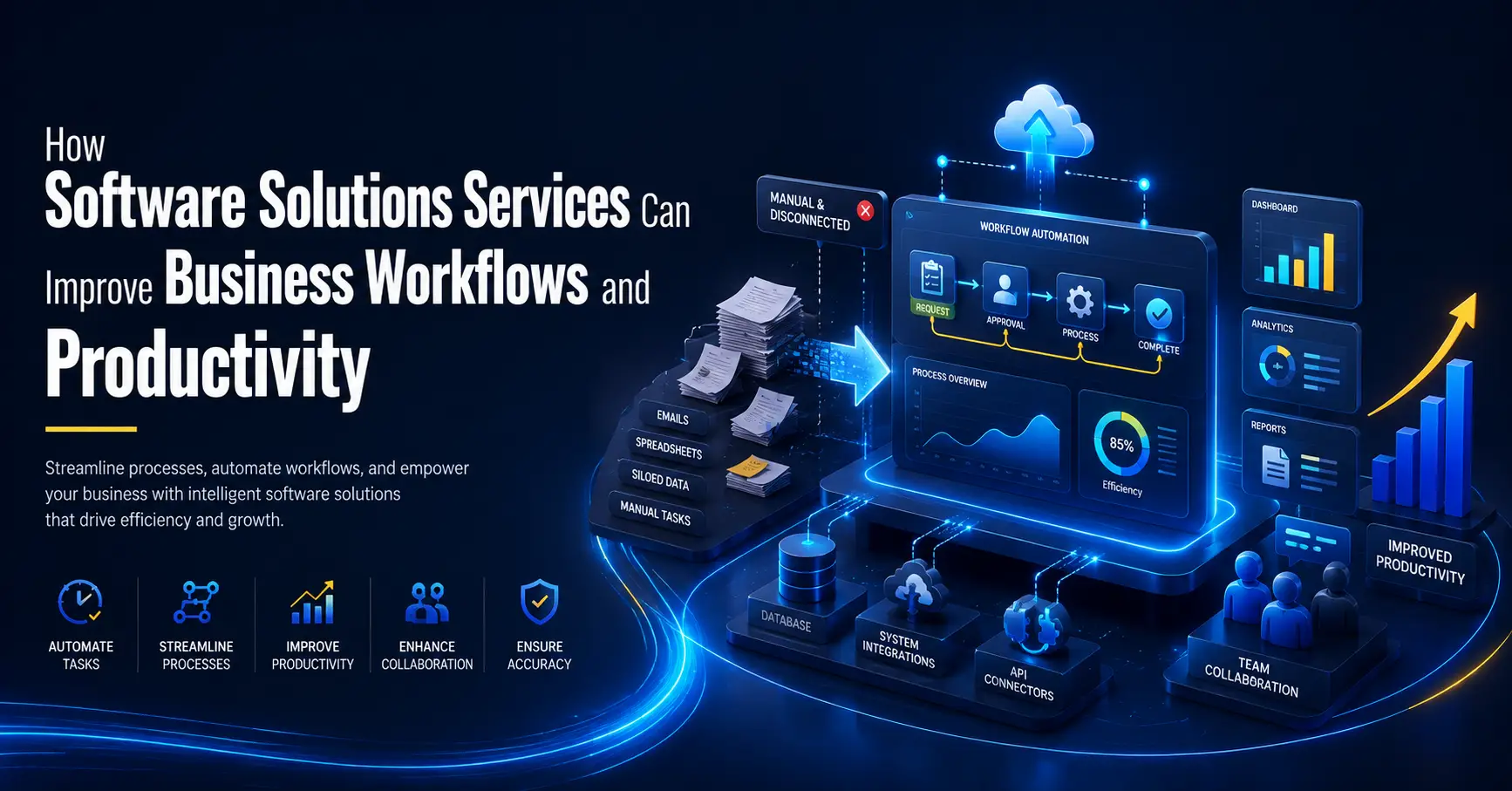
Modern businesses use software to manage clients, share files, track projects, process invoices, and report results. Yet many teams still rely on disconnected applications, repeated data entry, and manual approval steps. These problems waste time and make simple work harder than it should be.
Software solutions services help businesses replace these barriers with practical, connected systems. The goal is not to add more technology. It is to make work faster, easier, and more consistent.
When software supports the way a business actually operates, employees spend less time fighting with systems. They can focus on customers, decisions, and valuable work. Here is how the right software strategy can improve workflows, raise productivity, and support growth.
What Are Software Solutions Services?
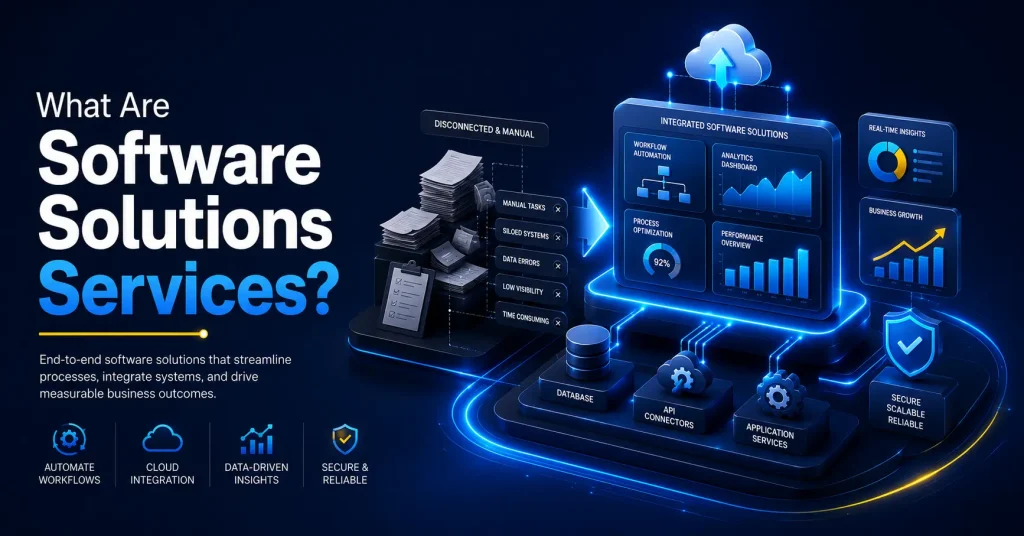
Software solutions services help a business select, configure, integrate, maintain, or develop software for its needs. The process may begin with a review of current systems and continue through planning, deployment, training, and support.
This approach is different from buying an application and forcing employees to adapt to it. A provider first studies how work moves through the company. It can then recommend a tool, customize an existing platform, or build a tailored solution.
The solution should address a clear operational problem. It might shorten approvals, remove duplicate data entry, improve access to information, or give managers a better view of performance.
Why Inefficient Workflows Reduce Productivity
A workflow is the series of steps used to complete a task. A sales workflow may begin with an inquiry and end with a signed agreement. Employee onboarding may cover account creation, equipment, training, and access permissions.
Workflows become inefficient when steps are unclear, systems do not communicate, or too much depends on memory. Employees may enter the same information several times, lose requests in email threads, or spend hours preparing reports. Teams may also use different versions of one document or depend too heavily on one employee.
Over time, these issues create delays, higher costs, and frustration. Effective software solutions services address the process behind the problem.
How Software Solutions Services Improve Workflows
1. Automating Repetitive Work
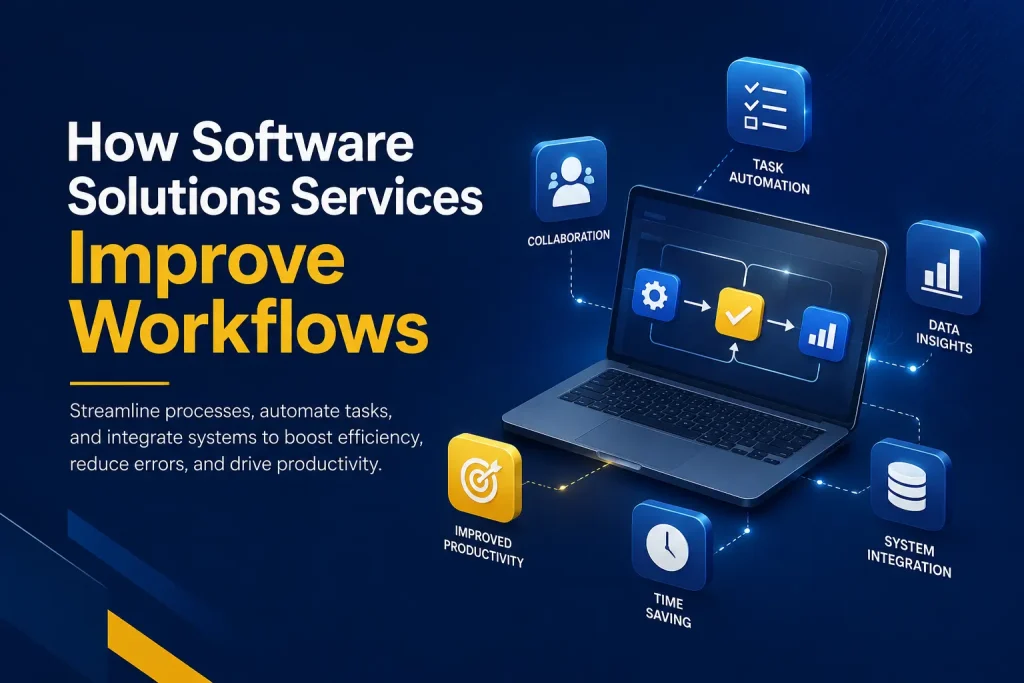
Software can send reminders, create records, route requests, update statuses, and produce standard documents automatically.
For example, a business may handle purchase requests by email. An automated workflow can collect each request through a form, send it to the right manager, record the decision, and notify the employee. The process becomes faster and easier to track.
Automation does not replace human judgment. It removes the low-value steps around that judgment, giving employees more time for clients, problem-solving, and planning.
2. Connecting Separate Systems
Many businesses have useful software but still struggle because information is divided between platforms. Sales data may be in a customer relationship management system, billing details in accounting software, and project updates in another tool.
Integration allows approved information to move between systems without repeated manual input. A completed sale could create a project, alert the service team, and prepare billing details. Each department receives the right information at the right time.
Connected systems also reduce duplicate records and conflicting data. Employees no longer need to search several places to understand what is happening.
3. Standardizing Processes
When employees complete the same task in different ways, quality is difficult to control. Well-designed software guides users through a consistent process. Required fields, approval rules, checklists, and alerts help ensure that key steps are completed.
Standardization works well for client intake, employee onboarding, expenses, service delivery, and compliance reviews. It also simplifies training for new employees.
4. Making Information Easier to Access
Employees lose time when they cannot find a file, status update, or client record. Centralized software gives authorized users one reliable place to access current information.
A manager can review progress without requesting a separate report. A client-facing employee can see recent activity before responding to a question. Remote teams can work from the same records without sending documents back and forth.
Access must also be controlled. The right solution uses permissions so employees can reach the information needed for their roles without exposing sensitive data.
5. Improving Reporting and Decisions
Good decisions depend on timely, accurate information. Manual reports often show what happened weeks ago and may contain errors from inconsistent sources.
Modern software collects operational data as work happens. Dashboards can show project progress, response times, sales activity, workloads, and other useful measures.
Leaders can identify delays, balance resources, and invest where results are strongest. Employees also gain clearer priorities.
6. Supporting Secure, Reliable Work
Productivity is not only about speed. A workflow must protect business information and remain available when people need it. Poorly configured software can lead to weak access controls, unsafe file sharing, and downtime.
A qualified provider considers security during planning and implementation. This may include role-based access, secure authentication, backups, testing, updates, and careful integration design.
Security should support the workflow, not create needless barriers. The strongest systems make the secure action the easiest choice for users.
7. Creating Room for Growth
A process that works for ten employees may fail when the company reaches fifty. More customers, transactions, locations, and approval levels can expose the limits of spreadsheets and manual work.
Scalable software can support more users, higher data volumes, new departments, and added services. Flexible integrations and reporting also help the business respond as its needs change.
Planning for growth does not mean buying the largest platform. It means choosing a solution that meets current needs and offers a sensible path forward.
How to Choose the Right Software Solution
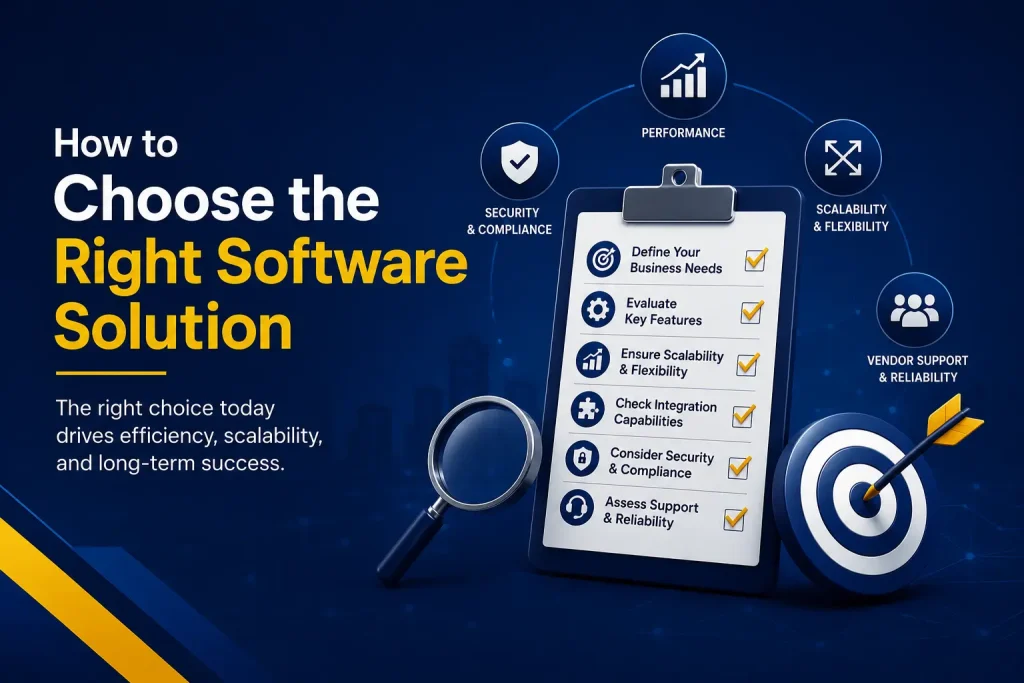
Technology should follow the business need. Before selecting a platform, define the workflow problem and the desired result. Talk with the employees who complete the work each day. They often understand the delays and workarounds best.
An established application may meet the need with basic configuration. In other cases, current software may require integration or custom features. A unique process may justify custom development.
Compare options based on:
- Fit with the workflow
- Ease of use
- Integration with current systems
- Security requirements
- Setup and ongoing costs
- Ability to scale
- Training and support
- Expected business value
Do not choose software only because it has a long feature list. Unused features add cost and complexity. The best solution is one employees can use confidently and the company can support over time.
Why Implementation and Training Matter
Strong software can still fail without a clear launch plan. Data may need to be cleaned and moved. Integrations must be tested. Permissions should be checked. Employees need to know how to use the system and why the process is changing.
A phased launch can reduce risk. Begin with one team or workflow, gather feedback, and fix issues before expanding. Set measurable goals, such as reducing processing time, lowering errors, or improving response rates.
Training should use examples from each employee’s role. Simple guides and follow-up support help users build confidence. Adoption is a business result, not only a technical task.
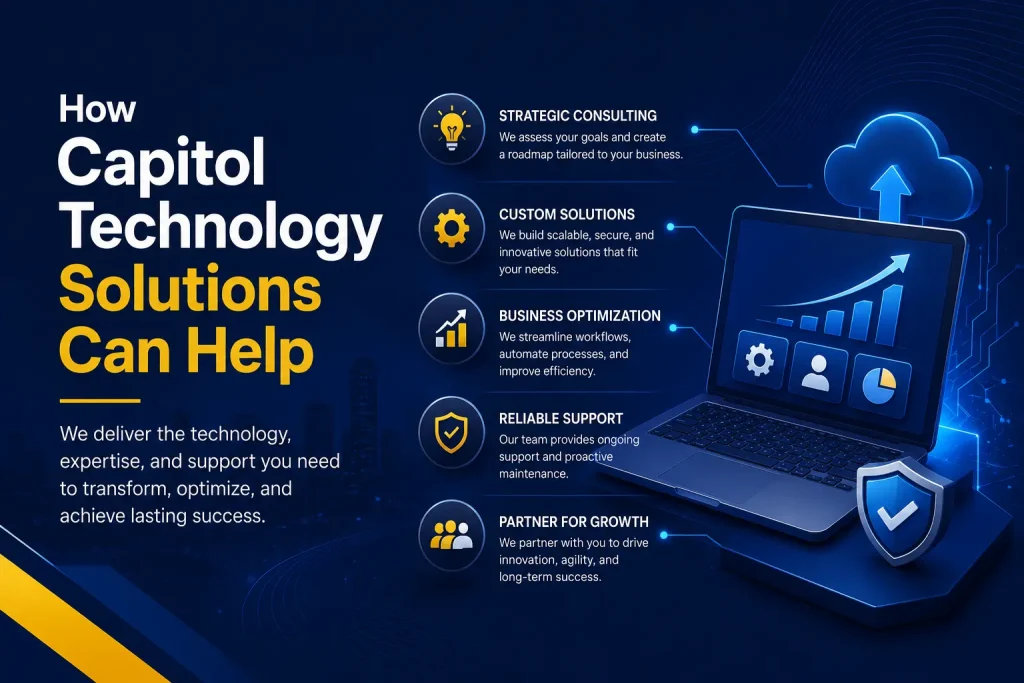
How Capitol Technology Solutions Can Help
Capitol Technology solutions connect software decisions with operational goals. Support can include consultation, software selection, implementation, testing, training, licensing, integration, and custom development.
If an established platform fits the need, it can be configured around the business. If the process is specialized, a custom CRM, client portal, mobile application, or web-based system may be more suitable. The focus is software that remains secure, reliable, and practical for daily use.
This complete approach reduces the risk of selecting the wrong tool or launching it without the support employees need.
Start With One High-Impact Workflow
A business does not need to transform every process at once. Start with a workflow that causes frequent delays, requires repeated manual work, or directly affects customers. Document its current steps and identify where time, information, or accountability is lost.
The right software solutions services can turn that process into a faster, more dependable system. Once the results are measured, the same method can improve other areas.
Better productivity does not come from having more apps. It comes from giving people the right tools and designing those tools around important work. With a clear strategy and careful implementation, software can become a practical engine for efficiency, service, and growth.
Frequently Asked Questions
What Do Software Solutions Services Include?
They may include consultation, software selection, implementation, integration, automation, custom development, testing, training, licensing, and support. The right mix depends on the business problem and current systems.
Does Every Business Need Custom Software?
No. Many businesses can use an established platform with proper configuration or integration. Custom software is useful when standard products cannot efficiently support a unique process or requirement.
How Should a Business Measure Results?
Track measures tied to the original problem. These may include completion time, error rates, response time, employee adoption, operating cost, or the number of manual steps removed.
What Is the First Step?
Choose one important process and document how it works today. Identify delays, duplicate work, errors, and missing information. This creates a clear basis for selecting or designing the right solution.