The Pros and Cons of Outsourcing IT Services: What You Need to Consider
Employees depend on computers, applications, networks, cloud services, and secure access. When technology fails, the business needs knowledgeable support quickly.
Building that capability internally can be difficult. Experienced employees, extended coverage, management tools, and security expertise require time and money.
For this reason, many organizations consider outsourcing IT services to a managed service provider. An outside team can manage some or all of the company’s technology responsibilities under an agreed service arrangement.
Outsourcing can provide expertise and predictable support. It can also create concerns about dependence, communication, control, and security.
The right choice depends on the team, risk, budget, and goals. This guide explains the advantages and disadvantages.
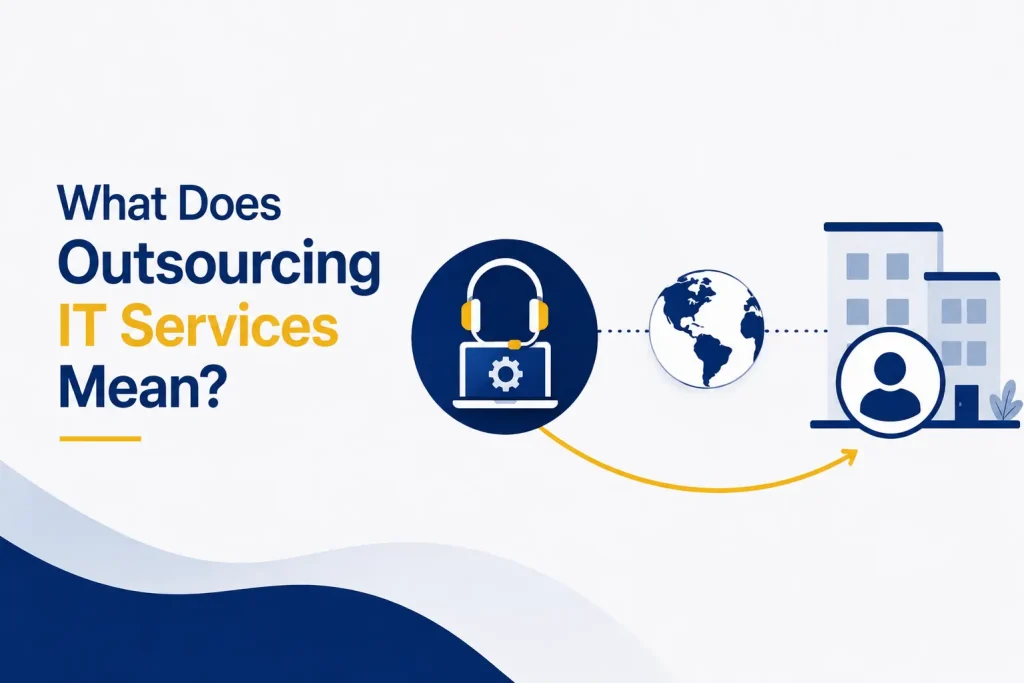
What Does Outsourcing IT Services Mean?
Outsourcing IT services means hiring an external provider to perform technology responsibilities that would otherwise be handled by employees or several separate vendors.
Services may include:
- Employee help desk requests
- Computers and mobile devices
- Networks and internet connections
- Servers and cloud platforms
- Cybersecurity tools and monitoring
- Software licenses and updates
- User accounts and access
- Data backup and disaster recovery
- Technology planning and vendor coordination
The arrangement may cover the whole environment or selected areas. A small business may use a provider as its IT department. A larger organization may retain internal leadership while outsourcing support, security, monitoring, or projects. This shared approach is called co-managed IT.
Pros of Outsourcing IT Services
Access to a Broader Range of Expertise
One employee is unlikely to specialize in networks, cloud systems, cybersecurity, backups, compliance, software, and strategy. A provider offers a team with different skills and reduces dependence on one person.
This broader knowledge can be valuable when resolving complex problems, evaluating new systems, or completing specialized projects.
More Predictable IT Costs
An internal team involves salaries, benefits, training, recruiting, tools, and leave coverage. Many managed IT services use a fixed fee for an agreed scope, making budgets more predictable.
Businesses should still examine what the fee includes. Projects, hardware, after-hours support, or on-site visits may be charged separately.
Proactive Monitoring and Maintenance
Traditional break-fix support begins after a problem has disrupted the business. Managed services usually focus more on prevention.
Providers can monitor systems, install updates, detect unusual activity, and address warnings before a major interruption. This can improve reliability and reduce downtime.
Stronger Security Support
Cybersecurity requires continuous attention across endpoint protection, email, authentication, access, updates, backups, and monitoring.
An experienced provider can implement these controls and supply tools that a small organization may struggle to manage alone.
Outsourcing does not transfer all security responsibility. Leadership must understand risks and verify provider practices.
Faster Support and Wider Coverage
An internal employee may be unavailable or handling several requests. A provider can assign multiple technicians and offer wider coverage.
The service agreement should define support times, emergency procedures, response targets, and escalation paths. Wider availability has value only when the provider responds consistently.
Easier Scaling
Technology needs change when a business hires employees, opens locations, introduces services, or enters new markets.
An outsourced team can add users, devices, licenses, and support capacity without immediate recruitment. It can also plan changes before growth creates problems.
More Time for Core Business Work
Without reliable support, managers and employees may spend time troubleshooting devices, contacting software vendors, or managing user accounts.
Outsourcing allows employees to focus on customers and operations. Internal IT staff can concentrate on strategic projects rather than routine maintenance.
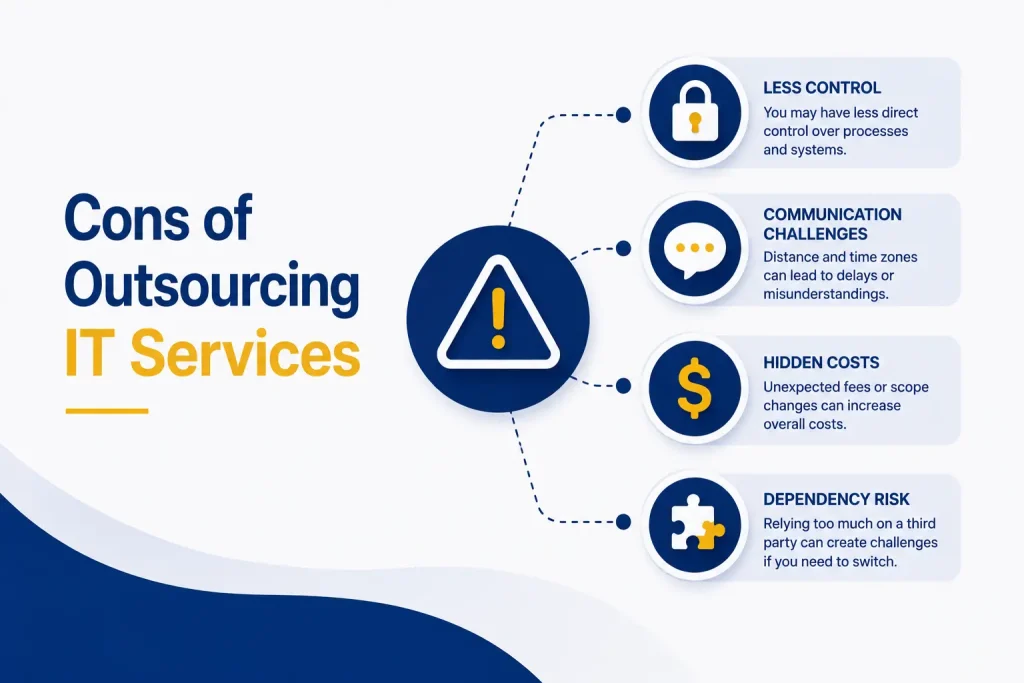
Cons of Outsourcing IT Services
The disadvantages depend heavily on the provider and contract.
1. Less Direct Control
An outside provider manages systems and processes that affect daily operations. Leaders may have less direct visibility.
Documentation, reporting, meetings, and approval rights can reduce this concern. The business should retain ownership of data, accounts, domains, licenses, and configurations.
2. Provider Dependence
If the provider maintains all system knowledge, changing vendors can become difficult. Poor documentation or restricted access may delay a future transition.
Confirm who owns credentials, documentation, configurations, and backups. The contract should explain how access and information will be returned.
3. Communication Challenges
An outside team may not initially understand the organization’s employees, priorities, terminology, or working style.
Strong onboarding should document systems, meet key employees, identify critical workflows, and establish communication expectations. Repeated misunderstandings may indicate a poor fit.
4. Security and Third-Party Risk
A provider may have privileged access to many customers, making its own security important.
CISA has published guidance for protecting managed service providers and their customers. Its recommendations address account security, monitoring, backups, contracts, and incident communication.
Ask how the provider protects administrative access, separates customers, monitors its systems, manages subcontractors, and responds to incidents.
5. Contract and Scope Limitations
The phrase “fully managed” does not mean the same thing everywhere. A business may discover that an important service is excluded or only available at an additional cost.
Review the agreement carefully. It should define included services, exclusions, response targets, support hours, project pricing, security responsibilities, termination terms, and data-return procedures.
6. A Less Personal Support Experience
Large ticket queues may feel less personal than an internal team. Look for clear communication, useful documentation, consistent contacts, and an effort to learn the business.
In-House, Outsourced, or Co-Managed IT? There is no single model for every business:
- In-house IT offers direct control and close operational knowledge. It may suit organizations with proprietary systems, constant on-site needs, or enough scale for several specialists. Recruitment, coverage, and tools can be costly.
- Fully outsourced IT can suit small and midsize organizations that need broad expertise without building a department. Success depends on provider quality and fit.
- Co-managed IT combines internal knowledge with outside resources. Employees may lead strategy while the provider handles monitoring, support, security, or projects.
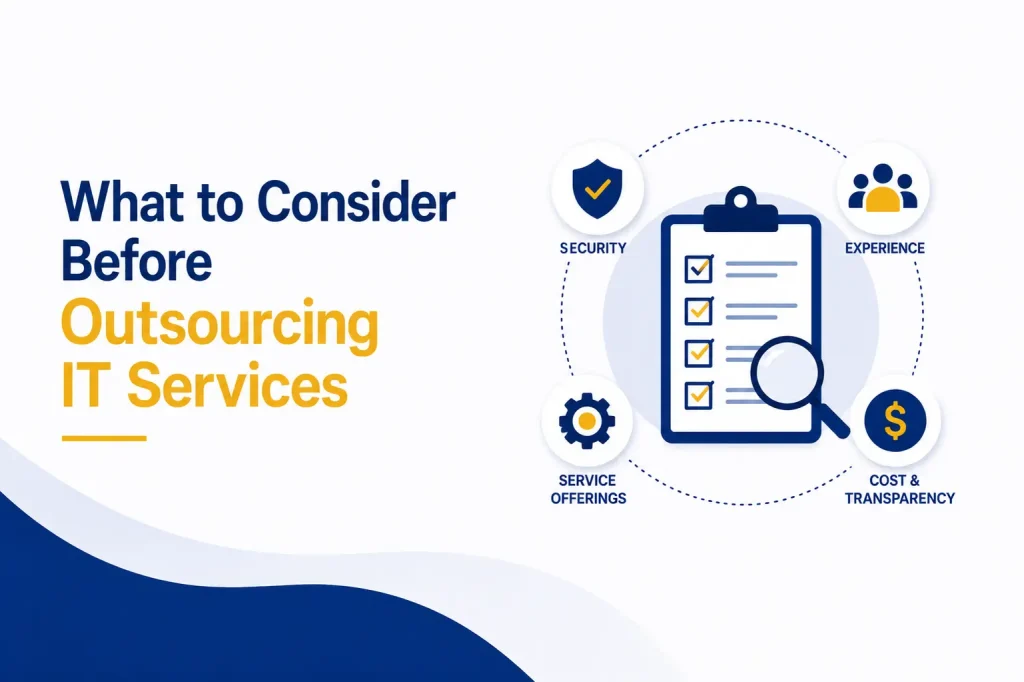
What to Consider Before Outsourcing IT Services Define the Required Services
Identify problems, critical systems, support hours, locations, compliance needs, and plans. A clear scope makes proposals easier to compare.
Evaluate Security Practices
Ask about authentication, administrative access, endpoint security, monitoring, backups, incident response, subcontractors, and cyber insurance.
Review the Agreement and Pricing
Confirm response targets, availability, escalation, exclusions, responsibilities, and termination terms. Determine what the monthly fee includes and whether onboarding, projects, hardware, travel, or after-hours support cost extra.
Check Experience and Plan the Transition
Look for experience with similar organizations and speak with references. Onboarding should include an IT audit, documentation, access review, and a plan for urgent issues. The agreement should also cover a future transition.
Questions to Ask a Managed Service Provider
Ask potential providers:
- Which services are included and excluded?
- How are urgent issues prioritized and escalated?
- Who will have administrative access to our systems?
- How do you secure your own environment?
- How often are backups tested?
- How will you document our systems and configurations?
- Which reports and strategic reviews will we receive?
- Do you use subcontractors?
- Who owns our data, accounts, and licenses?
- What happens when the contract ends?
Clear answers matter more than a long feature list.
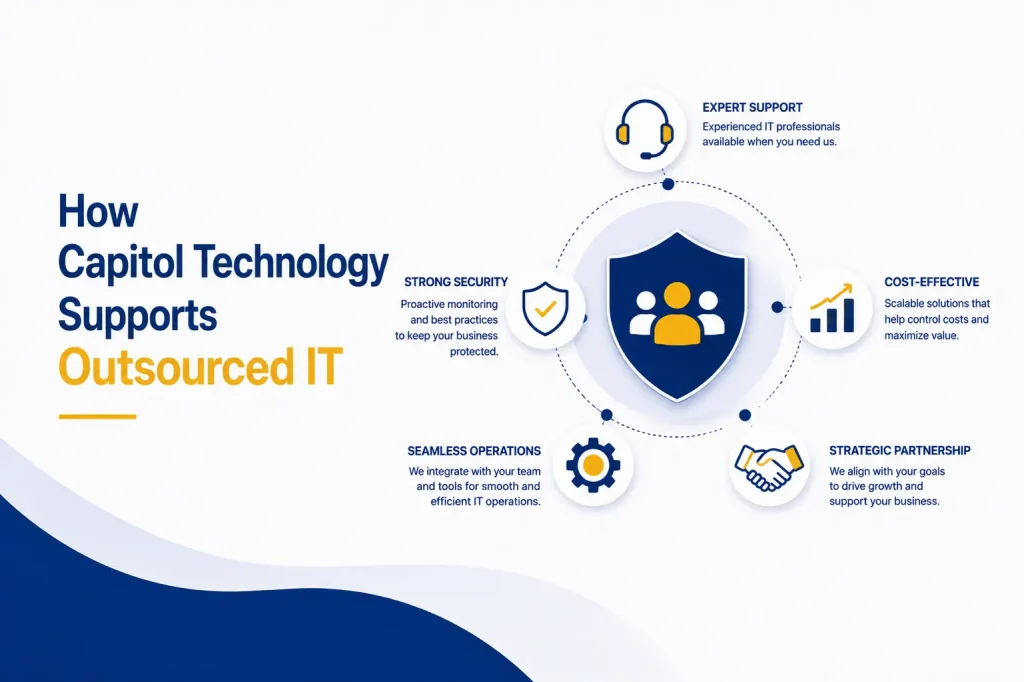
How Capitol Technology Supports Outsourced IT
Capitol Technology’s managed IT services include network monitoring, computer management, user support, data security, server maintenance, backup and disaster recovery, licensing, and endpoint protection.
The approach combines daily support, proactive monitoring, and planning. Capitol Technology works to understand each client’s operations, identify risks, and recommend practical improvements.
Conclusion
Outsourcing IT services can provide broader expertise, predictable costs, proactive maintenance, stronger security support, and greater flexibility. It can also create risks related to control, provider dependence, communication, contracts, and third-party access.
The quality of the outcome depends on the provider, the agreement, and the business’s preparation. Define your needs, evaluate security, review the contract, verify ownership, and speak with references before making a decision.
The best support model may be fully outsourced, entirely internal, or co-managed. The right choice is the one that gives the organization dependable technology, appropriate control, and the expertise required to grow securely.
Ready to evaluate your IT support options? Contact Capitol Technology to discuss your current environment and determine which service model fits your business.
Frequently Asked Questions
What Are the Main Benefits of Outsourcing IT Services?
The main benefits include access to wider expertise, predictable costs, proactive monitoring, security support, faster issue resolution, and easier scaling.
What Are the Main Risks of IT Outsourcing?
Risks may include reduced control, provider dependence, unclear contracts, communication problems, data-access concerns, and poor transition planning.
Is Outsourced IT Cheaper Than an In-House Team?
It can be more cost-effective for businesses that need several technical skills but cannot justify a full internal team. The comparison should include salaries, benefits, tools, training, coverage, projects, and contract fees.
Can a Business Keep Internal IT Staff and Use a Provider?
Yes. Co-managed IT allows internal employees and an outside provider to divide responsibilities. This can add specialist skills and coverage while preserving internal control.