IT Infrastructure Management: Components, Processes, and Types
Technology supports almost every part of a modern business. Employees rely on computers, applications, networks, and cloud services to communicate, manage information, complete projects, and serve customers.
When these systems work well, daily operations feel simple. When they fail, employees may lose access to files, applications may stop responding, and customers may experience delays.
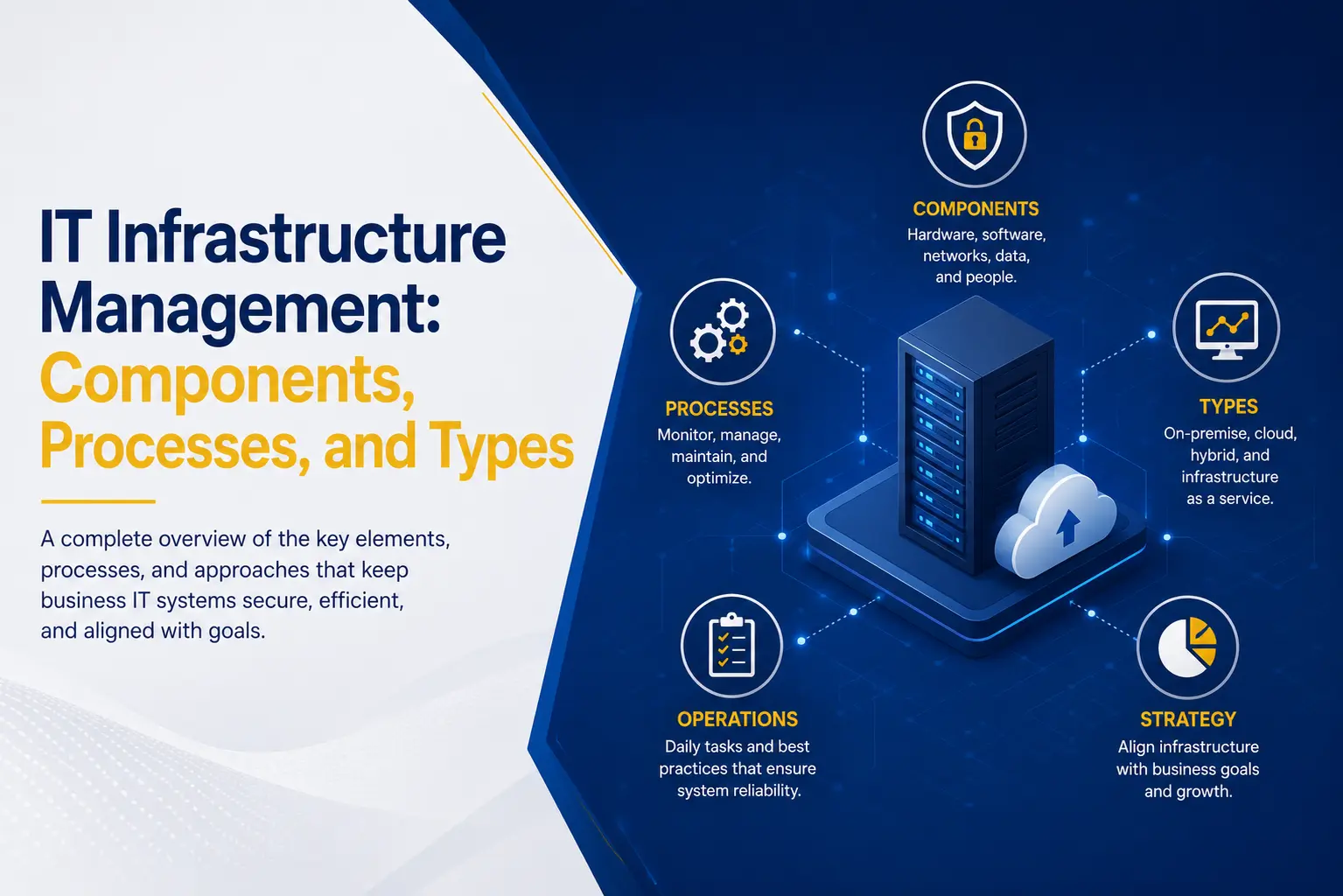
IT infrastructure management helps prevent these disruptions. It brings the technology behind a business into one organized strategy. This includes maintaining equipment, monitoring performance, protecting data, managing access, and planning future improvements.
A proactive approach can reduce downtime, strengthen security, control costs, and help employees remain productive. This guide explains the essential components, management process, and three main types of IT infrastructure.
What Is IT Infrastructure Management?
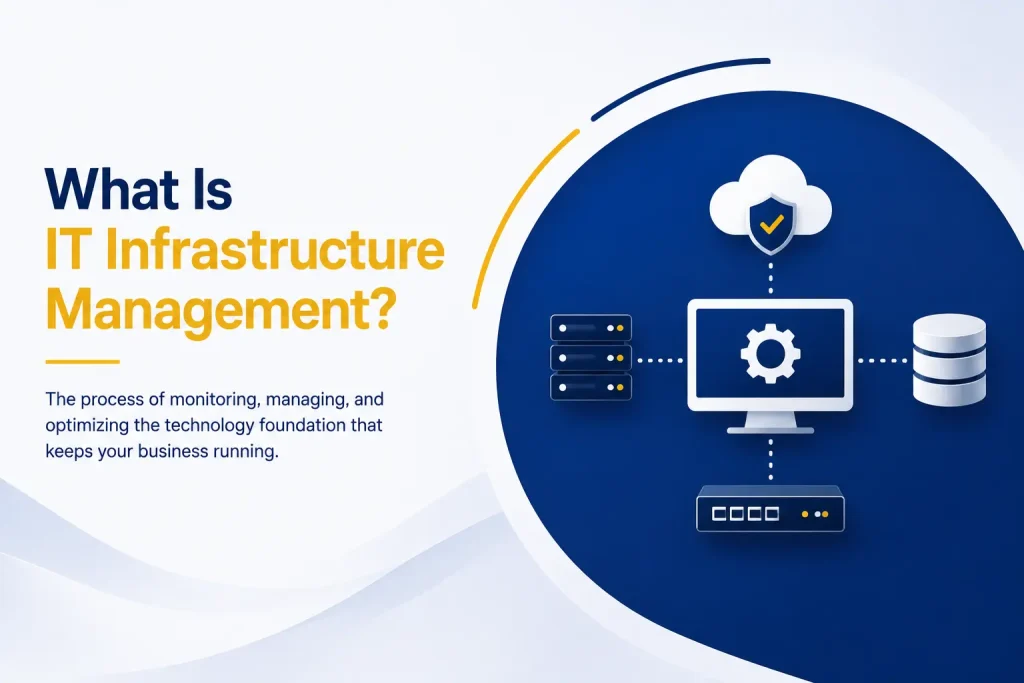
IT infrastructure management is the process of overseeing the technology systems that support business operations.
These systems may include:
● Computers and servers
● Business applications
● Network equipment
● Internet connections
● Cloud platforms
● Data storage
● Security tools
● Backup and recovery systems
Managing infrastructure involves more than responding when something breaks. It includes planning, installation, configuration, monitoring, maintenance, security, and replacement.
The goal is to keep technology reliable, secure, and aligned with business needs. Employees should have dependable access to the systems and information required for their work. Leaders should also understand technology costs, risks, and future requirements.
Without proper management, a business may end up with outdated devices, unused software, weak security settings, and systems that do not work together. These problems can reduce productivity and make future growth more difficult.
Why IT Infrastructure Management Matters
Businesses often notice their infrastructure only when a system fails. However, many technology problems develop over time.
A server may be running out of storage. An old computer may no longer receive security updates. Network performance may be slowly declining. Cloud costs may be increasing because unused resources remain active.
Proactive IT infrastructure management identifies these issues before they create serious disruption.
The main business benefits include:
● Less downtime: Monitoring can reveal failures, storage limits, and performance problems before they cause a major outage.
● Stronger security: Updates, access reviews, and security controls help protect systems and sensitive information.
● Better productivity: Dependable computers, networks, and applications allow employees to work without repeated interruptions.
● Predictable costs: Tracking equipment, licenses, cloud services, and future upgrades improves budgeting.
● Support for growth: Infrastructure planning helps technology keep pace with new employees, customers, and locations.
Key Components of IT Infrastructure
Business technology includes several connected components. Each one needs to be maintained as part of the complete environment.
Hardware
Hardware includes physical equipment such as desktop computers, laptops, servers, printers, storage devices, routers, switches, and wireless access points.
Hardware management involves tracking devices, installing updates, managing warranties, and planning replacements. Replacing aging equipment before it fails can prevent downtime and emergency costs.
Software
Software includes operating systems, databases, communication platforms, security tools, and applications used for accounting, customer management, projects, and other business functions.
Software must be configured, updated, and licensed correctly. Businesses should remove unsupported applications and unused licenses to reduce security risks and costs.
Networks
Networks connect users, devices, applications, and data. They may include wired connections, Wi-Fi, internet services, remote-access tools, and links between business locations.
Network management includes monitoring traffic, updating equipment, controlling access, and maintaining enough capacity for cloud applications, video meetings, and remote work.
Data Storage and Backups
Businesses store customer records, financial information, contracts, employee files, project documents, and other valuable data.
A data plan should define where information is stored, who can access it, and how it will be recovered. Backups must also be tested to confirm that data can be restored after an outage or cyber incident.
Cloud Services
Cloud services provide applications, storage, servers, and other resources through the internet. They can reduce the need for on-site equipment and make remote access easier.
Cloud platforms still require active management. User accounts, security settings, licenses, storage, backups, and costs must be reviewed regularly.
Security Systems
Security must be included across every part of IT infrastructure.
Common protections include firewalls, endpoint security, email filtering, encryption, multifactor authentication, and threat-detection tools. Businesses also need security policies, employee training, regular updates, and an incident-response plan.
The goal is not only to prevent attacks. A strong security strategy also helps the organization detect suspicious activity and recover quickly.
The IT Infrastructure Management Process
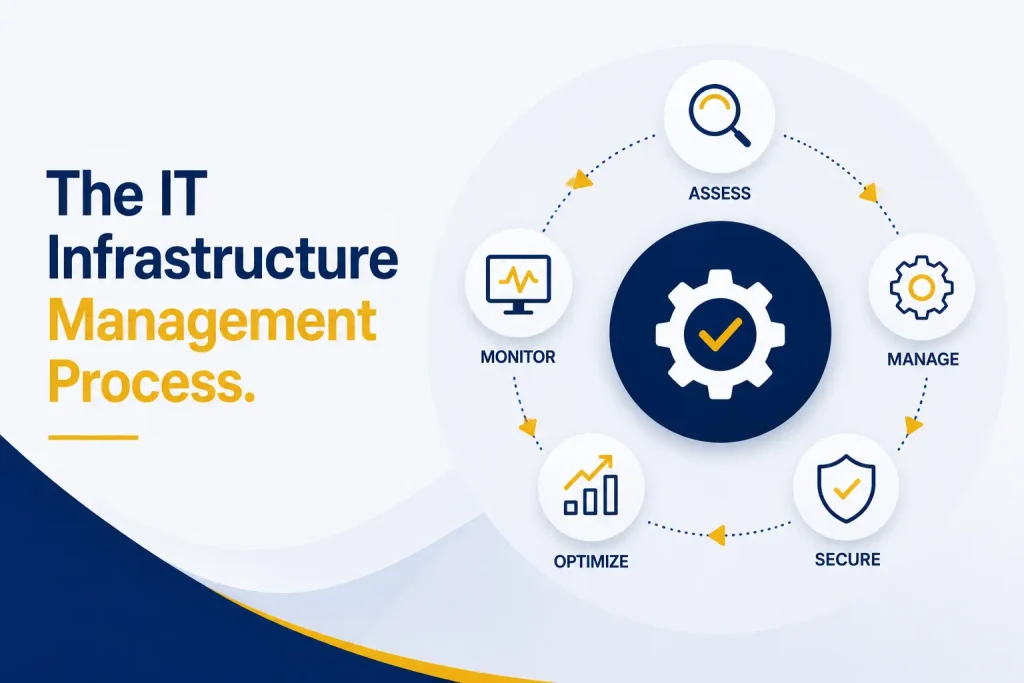
A clear process makes infrastructure easier to control and improve.
1. Assess the Current Environment
Begin by documenting hardware, software, networks, cloud services, user accounts, security controls, and data-storage locations.
The assessment should identify outdated equipment, security gaps, performance problems, and unnecessary costs.
2. Define Business Requirements
Technology decisions should support business goals. Consider how employees work, which applications are essential, what data must be protected, and how the organization expects to grow.
3. Create an Improvement Plan
Decide which systems should be maintained, upgraded, replaced, or moved. The plan should include priorities, costs, responsibilities, timelines, and expected results.
4. Monitor and Maintain Systems
Infrastructure needs continuous attention. Monitoring can identify performance issues, unusual activity, storage limits, hardware failures, and security threats.
Maintenance includes installing updates, checking backups, reviewing access, testing recovery procedures, and replacing aging equipment.
5. Review and Improve
Business needs continue to change. Infrastructure should be reviewed when the organization grows, introduces new services, changes working practices, or faces new security requirements.
Types of IT Infrastructure
Businesses generally use cloud, on-premises, or hybrid infrastructure. Each model offers different levels of control, flexibility, cost, and responsibility.
Cloud Infrastructure
Cloud infrastructure delivers applications, storage, servers, and other resources through the internet.
Its advantages include lower initial hardware costs, easier remote access, flexible capacity, and faster deployment. The provider also maintains the physical equipment behind the service.
However, cloud services require reliable internet access. Security settings and ongoing costs must be monitored carefully. Cloud infrastructure is often suitable for businesses that need flexibility and expect their requirements to change.
On-Premises Infrastructure
On-premises infrastructure uses hardware and software located within the organization’s facilities.
It provides direct control over equipment, settings, and data location. It may also support specialized or older applications that cannot easily move to the cloud.
The organization is responsible for maintenance, security, updates, power, cooling, backups, and equipment replacement. On-premises systems can require a higher initial investment and more internal technical resources.
Hybrid Infrastructure
Hybrid infrastructure combines on-premises technology with cloud services.
A business may keep a specialized application or sensitive data on-site while using the cloud for email, collaboration, backups, or additional storage.
This model offers flexibility and supports a gradual move to the cloud. However, it can be more complex because local and cloud systems must be connected, monitored, and secured together.
How to Choose the Right Infrastructure Model
There is no single model that works for every business. The right choice depends on:
● Business size and budget
● Security and compliance requirements
● Existing applications and equipment
● Remote-access needs
● Internal IT resources
● Internet reliability
● Recovery requirements
● Expected growth
The decision should be based on operational needs rather than technology trends. Some businesses benefit from a cloud-first strategy. Others need to keep certain systems on-site. Many use a hybrid model to balance control with flexibility.
How Capitol Technology Supports Your IT Infrastructure
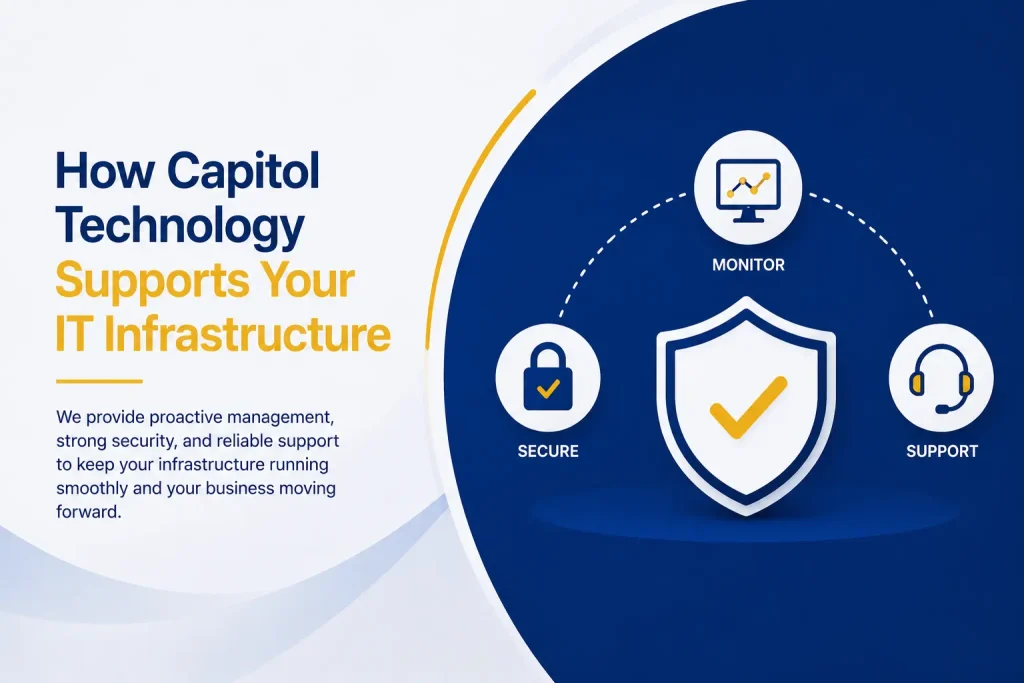
Managing business technology requires continuous monitoring, maintenance, security, and planning. Internal employees may not have the time or specialized knowledge to manage every part of the environment.
Capitol Technology helps businesses assess, secure, and improve their IT infrastructure. Services include IT auditing, managed IT services, network design, data and network security, software solutions, and ongoing technical support.
The process begins with understanding the current environment and the goals of the organization. Capitol Technology can then identify security gaps, outdated equipment, performance issues, and unnecessary costs.
The result is a practical technology plan designed to reduce disruption, support employees, and prepare the business for growth.
Conclusion
IT infrastructure management keeps the technology behind a business secure, reliable, and productive.
It covers hardware, software, networks, data storage, cloud services, security systems, backups, and ongoing support. These components must work together as one connected environment.
A proactive approach helps prevent downtime, protect information, control costs, and support business growth. It also allows employees to focus on their work instead of dealing with repeated technology problems.
Whether a business uses cloud, on-premises, or hybrid infrastructure, its systems require regular monitoring and maintenance.
Ready to improve the performance and security of your business technology? Contact Capitol Technology to discuss an IT infrastructure management plan built around your needs.
Frequently Asked Questions
What Does IT Infrastructure Management Include?
It includes managing hardware, software, networks, cloud services, data storage, backups, security systems, user access, and technical-support processes.
What Are the Three Main Types of IT Infrastructure?
The three main types are cloud, on-premises, and hybrid infrastructure. The right option depends on the organization’s budget, security requirements, applications, and growth plans.
How Does IT Infrastructure Management Improve Productivity?
It reduces downtime, improves system performance, gives employees reliable access to business tools, and resolves technical risks before they interrupt work.
Can a Managed IT Provider Maintain Business Infrastructure?
Yes. A managed IT provider can monitor systems, install updates, manage networks, strengthen security, support employees, maintain backups, and help plan future improvements.