Your Employees Use AI at Work But Is Your Business Data Actually Protected?
Employees are already using artificial intelligence to write emails, summarize meetings, review contracts, analyze spreadsheets, create presentations, generate code, and answer customer questions.
These tools can save time. However, they also create a new path for business information to leave approved systems. An employee may paste a customer record, financial forecast, contract, source code, or internal strategy into an AI tool without understanding how that information is stored or used.
The problem is not AI alone. The real risk appears when adoption moves faster than policy, security, and oversight. Effective AI data protection allows employees to gain value from these tools without exposing confidential information or creating avoidable compliance problems.
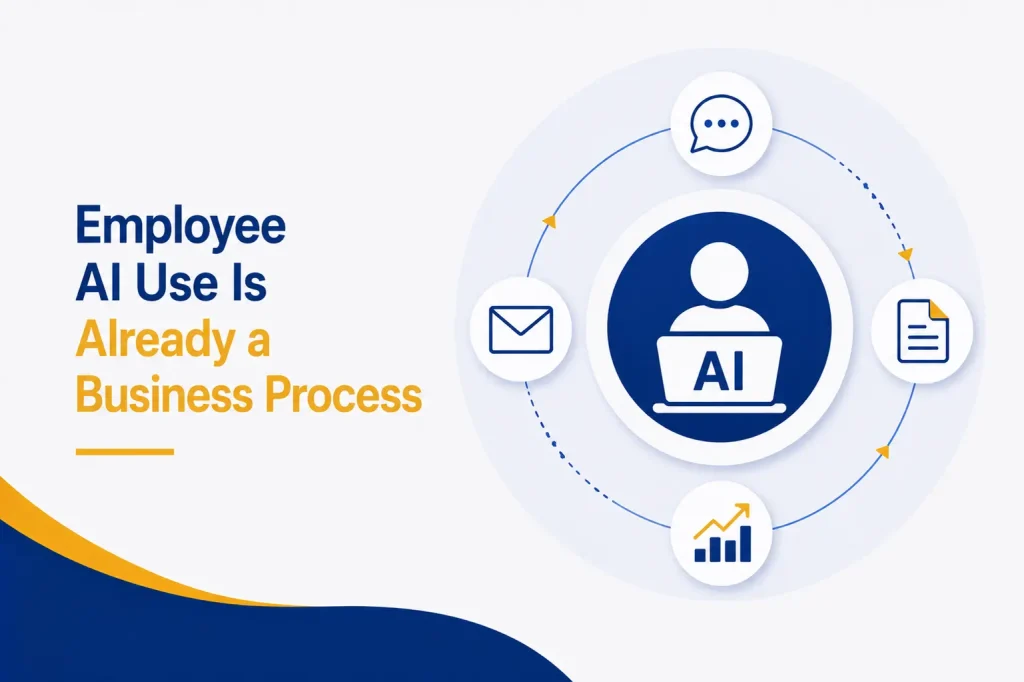
Employee AI Use Is Already a Business Process
Many employees already see AI differently. They use it because it helps them finish real work faster.
Common workplace uses include:
● Drafting client emails and proposals
● Summarizing calls, reports, and documents
● Reviewing contracts or policy language
● Analyzing sales and financial data
● Writing formulas, scripts, and software code
● Creating marketing copy and images
● Researching competitors or markets
● Preparing interview questions and job descriptions
● Responding to support requests
● Translating business content
Some employees use approved enterprise platforms. Others create personal accounts or install browser extensions without asking IT. That unapproved activity is called shadow AI.
Microsoft defines shadow AI as AI tool use without the knowledge, approval, or governance of the organization’s IT or security teams. The tools may improve productivity, but invisible use makes business data security difficult to manage.
What Business Data Could Be Exposed to AI Tools?
Employees do not always recognize information as sensitive. A document may appear harmless until it is combined with other details.
Data commonly shared with AI tools may include:
● Customer names, contact details, and account records
● Employee information and performance notes
● Financial results, budgets, pricing, and forecasts
● Contracts, legal advice, and negotiation positions
● Passwords, API keys, and system credentials
● Source code and technical documentation
● Security reports, vulnerabilities, and network details
● Product plans, research, and intellectual property
● Healthcare, payment, or regulated information
● Meeting transcripts and internal communications
Even a request to “rewrite this email” can include confidential names, project details, or commercial terms. Therefore, AI data protection must focus on the content employees enter, not only the tool they open.
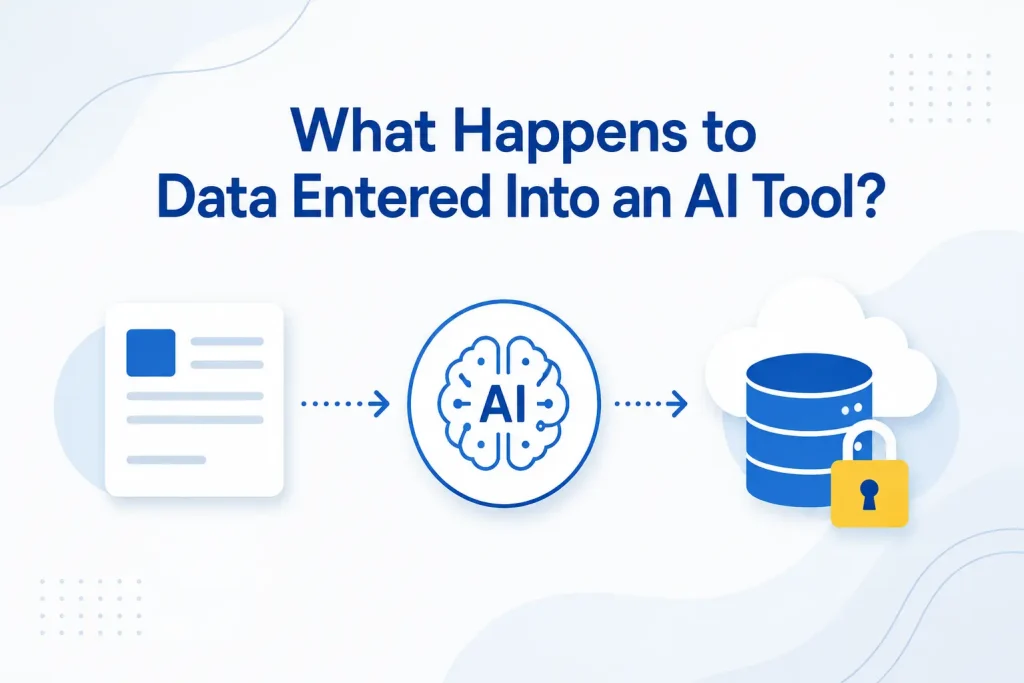
What Happens to Data Entered Into an AI Tool?
There is no single answer. Data handling depends on the provider, product, account type, settings, integrations, region, and contract.
One service may retain prompts for a limited period. Another may allow administrators to control retention. Consumer and business versions of the same tool may offer different protections. Connected applications may also send information to additional services.
For example, OpenAI states that it does not train its models on business data by default for covered business offerings, as explained in its enterprise privacy commitments. Microsoft similarly explains how prompts, responses, Microsoft Graph data, and foundation-model training are handled within Microsoft 365 Copilot.
Those protections are relevant only when the organization uses the correct service, account, configuration, and agreement. They should not be assumed to apply to every free tool, personal account, plug-in, or third-party AI application.
The Federal Trade Commission has also warned AI providers to honor their privacy and confidentiality commitments. Businesses still need to perform their own vendor review and control what employees share.
Why Shadow AI Creates a Serious Data Protection Gap
Security teams cannot protect activity they cannot see. When employees choose their own AI tools, the business may not know:
● Which services are being used
● What data employees submit
● Where that data is processed or retained
● Whether the provider uses prompts for model improvement
● Who can access saved conversations
● Which browser extensions or plug-ins are connected
● Whether accounts use strong authentication
● Whether departing employees retain access
● How to investigate an incident
Simply blocking one popular AI website does not solve the problem. Employees may use another service, a mobile app, a browser extension, or AI features built into existing software.
As a result, shadow AI is both a technology problem and a governance problem. The organization needs visibility, approved alternatives, clear rules, and controls that follow the data.
The Main Risks of Generative AI in the Workplace
Accidental Disclosure of Sensitive Information
The most immediate risk is an employee sharing information that should remain inside the company. Once data enters an external tool, the organization may lose control over storage, deletion, access, and future use.
This may happen without bad intent. The employee is often trying to complete a task quickly.
Privacy and Regulatory Exposure
Personal data may be subject to contractual duties, privacy laws, industry standards, or breach notification rules. Uploading customer, patient, employee, or financial information to an unapproved AI service could create a compliance problem.
The correct response depends on the information, jurisdiction, and business sector. Therefore, legal and privacy teams should participate in AI governance.
Loss of Intellectual Property
Source code, product designs, proposals, research, and strategy documents may contain trade secrets or commercially valuable information.
Sharing them with an unapproved tool may conflict with client agreements, nondisclosure terms, or internal handling rules. It may also make ownership and confidentiality harder to defend.
Inaccurate or Invented Output
Generative AI can produce confident answers that are incomplete, outdated, biased, or false. If an employee sends the result to a client or uses it for a business decision without review, the organization may create legal, financial, or reputational harm.
Human review remains essential, especially for legal, financial, medical, employment, security, and customer-facing work.
Prompt Injection and Malicious Content
AI tools may process instructions hidden inside documents, webpages, emails, or connected data sources. A malicious instruction could attempt to change the system’s behavior, expose information, or trigger an unsafe action.
The OWASP Top 10 for Large Language Model Applications identifies risks such as prompt injection, sensitive information disclosure, excessive agency, and improper output handling.
Risky Plug-Ins, Agents, and Integrations
An AI assistant connected to email, cloud storage, customer relationship management, or project systems may access far more data than a basic chatbot.
The risk grows when the tool can take action, such as sending messages, changing records, creating accounts, or running code. Permissions should match the task, and high-impact actions should require approval.
Excessive Access and Oversharing
An enterprise AI tool may respect existing permissions and still reveal information too broadly because the underlying permissions were already weak.
For example, an employee might discover a sensitive file through an AI search because the file was accidentally shared with the entire organization. Secure AI adoption therefore depends on good identity, access, and data management.
Weak Vendor and Contract Review
Marketing statements do not replace due diligence. Businesses should examine data ownership, retention, model training, subprocessors, encryption, audit logs, deletion, incident notification, geographic processing, and contract terms.
The tool should also fit the organization’s regulatory and client obligations.
Why Banning AI Is Usually Not Enough
A total ban may appear simple, but it can push use further into the shadows. Employees still face deadlines and may turn to personal devices or accounts when approved options do not meet their needs.
A stronger strategy gives employees safe ways to use AI. It explains which tools are approved, what information is prohibited, when human review is required, and how to request a new use case.
Some activities may still need to be blocked. For example, highly sensitive data should not enter public AI tools. However, restrictions work better when employees understand the reason and have a secure alternative.
How to Build an AI Data Protection Strategy
The NIST Generative AI Profile provides a useful risk-management reference for organizations using or developing generative AI. A practical business program should translate broad guidance into daily controls.
1. Discover How Employees Use AI
Begin with an inventory. Identify approved tools, browser extensions, embedded AI features, personal accounts, and planned use cases.
Use employee surveys, software inventories, web activity, cloud application discovery, expense data, and interviews. The goal is visibility, not punishment. Employees are more likely to share their use when the process is constructive.
2. Classify Business Data
Define categories such as public, internal, confidential, and restricted. Give employees clear examples for each category.
Then decide which categories may enter each approved AI tool. Public marketing copy may be acceptable, while customer records, credentials, legal advice, or unreleased financial results may be prohibited.
3. Evaluate and Approve AI Vendors
Review security, privacy, legal, compliance, and operational requirements before approval. Important questions include:
● Is business data used to train models?
● How long are prompts and outputs retained?
● Can administrators control and delete data?
● Is information encrypted in transit and at rest?
● Which subprocessors receive the data?
● Are audit logs and access controls available?
● Does the provider support single sign-on and MFA?
● How are incidents reported?
● What happens when the contract ends?
Reassess vendors when their terms, features, models, or integrations change.
4. Create an Employee AI Use Policy
Write a short policy employees can understand. It should identify approved tools, prohibited data, acceptable use cases, review requirements, copyright considerations, and reporting steps.
Avoid vague instructions such as “never share sensitive data” without examples. Employees need to know whether they may upload a contract, customer list, meeting recording, code sample, or performance review.
5. Apply Data Loss Prevention Controls
Data loss prevention can detect or block sensitive information as employees copy, upload, or share it. Depending on the environment, controls may cover browsers, endpoints, email, cloud storage, and approved AI tools.
Microsoft provides a staged approach to discovering AI use, blocking unsanctioned apps, preventing sensitive uploads, and governing prompts through its shadow AI data-leak guidance.
Technical controls should support policy, not replace it. Overly broad blocking can interrupt legitimate work and encourage workarounds.
6. Strengthen Identity and Access Management
Require single sign-on, MFA, managed accounts, and role-based access for approved AI platforms. Remove access promptly when employees leave or change roles.
Review permissions in SharePoint, OneDrive, Teams, file servers, and business applications before connecting AI. Otherwise, the AI tool may make existing oversharing easier to find.
7. Secure AI Systems and Integrations
AI security includes the surrounding environment. Patch connected systems, protect API keys, separate development and production, limit network access, monitor integrations, and test recovery.
The NSA’s joint guidance on deploying AI systems securely emphasizes protecting AI systems throughout deployment and operation.
8. Train Employees With Real Examples
Training should show employees what safe and unsafe prompts look like. Explain why removing a customer’s name may not be enough if other details still identify the person or company.
Teach employees to verify outputs, check sources, protect credentials, recognize prompt injection, and report accidental disclosure quickly. Training should be role-based because marketing, finance, HR, legal, software development, and customer service face different risks.
9. Require Human Review for Important Work
Define where AI may assist and where a person must approve the result. High-impact decisions should not be delegated to a tool without appropriate oversight.
Review facts, calculations, citations, confidential content, bias, tone, intellectual property, and compliance before using AI output. The employee remains responsible for the final work.
10. Monitor, Audit, and Improve
Track approved tool adoption, blocked uploads, policy exceptions, new applications, security alerts, and reported incidents. Review whether employees have useful approved options.
AI tools change quickly. Therefore, AI risk assessment cannot be a one-time project. Revisit policies and controls as vendors add memory, agents, plug-ins, data connectors, and automated actions.
A Simple AI Safety Checklist for Employees
Before entering information into an AI tool, employees should ask:
● Is this tool approved for business use?
● Am I signed in through the company account?
● Does the prompt contain confidential or personal data?
● Could I complete the task with less information?
● Am I allowed to upload this document?
● Does the output need factual, legal, or security review?
● Could the response expose internal information?
● Do I understand where the result will be saved or shared?
When unsure, the employee should stop and ask IT, security, privacy, or a manager.
What Should a Business Do After an AI Data Exposure?
Employees should report accidental disclosure immediately. A fast report gives the organization more options.
The response may include preserving the prompt and output, identifying the data involved, checking provider deletion controls, revoking shared links or credentials, reviewing access logs, notifying the provider, and determining legal or contractual duties.
If passwords, API keys, or tokens were entered, rotate them promptly. If personal or regulated information was exposed, involve legal, privacy, compliance, and insurance teams as required.
Do not punish honest reporting. Fear encourages employees to hide mistakes and delays containment.
How Capitol Technology Can Help
Capitol Technology’s data and network security services can help businesses discover shadow AI, review Microsoft 365 and cloud controls, classify data, evaluate AI tools, and create an employee AI policy.
We can help implement identity controls, device management, data loss prevention, monitoring, secure configurations, and incident response procedures. This creates a safer path to AI adoption without blocking innovation.
Conclusion
Your employees are likely using AI whether or not the business has a program. Ignoring that reality does not protect company information.
Strong AI data protection begins with visibility. Discover how AI is used, classify data, approve suitable tools, set clear rules, apply technical controls, and train employees with examples they understand.
The goal is not to eliminate AI. It is to ensure that faster work does not create uncontrolled data exposure, compliance problems, or loss of customer trust.
Ready to protect business data while adopting AI responsibly? Contact Capitol Technology for an AI security and data protection assessment.
Frequently Asked Questions
What Is Shadow AI?
Shadow AI is the use of AI applications without approval or oversight from the organization’s IT, security, privacy, or governance teams.
Can Employees Enter Confidential Data Into AI Tools?
Only when the organization has approved the tool and use case, verified the provider’s data practices, and authorized that data category. Confidential information should not enter personal or unapproved AI accounts.
Is Enterprise AI Automatically Safe?
No. Enterprise features can provide stronger privacy, identity, administration, and contractual protection. However, security still depends on configuration, permissions, integrations, data classification, and employee behavior.
What Should an Employee AI Policy Include?
It should identify approved tools, prohibited information, allowed use cases, human review requirements, copyright rules, account requirements, and reporting procedures.
How Often Should AI Risks Be Reviewed?
Review them regularly and whenever a provider changes its terms, adds integrations, introduces agent capabilities, or begins processing new categories of business data.