Managed IT Services vs In-House IT: Which Is Better?
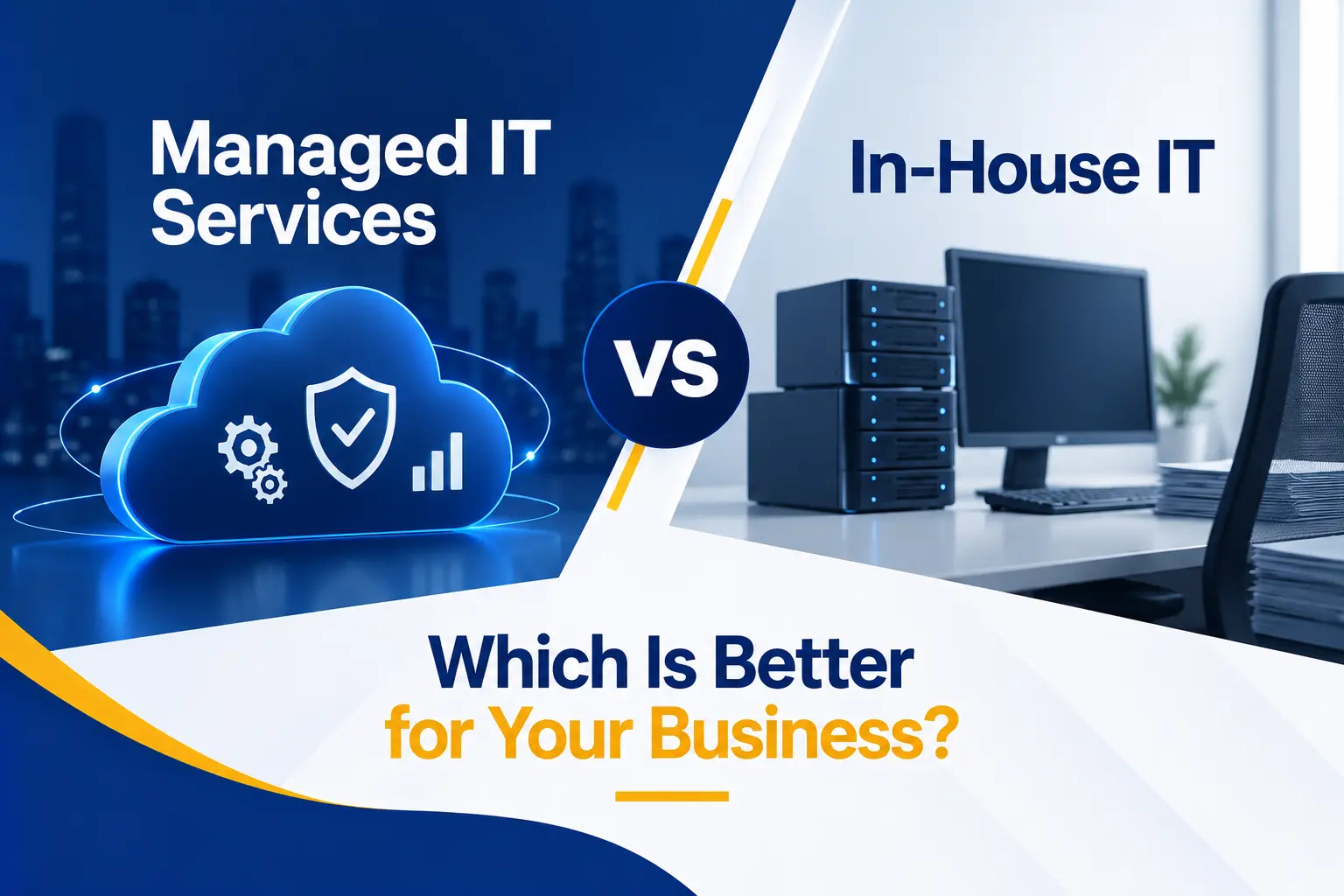
Every business needs reliable technology support. Employees need help when systems fail, devices require maintenance, accounts must remain secure, and leadership needs a plan for future technology decisions.
The difficult question is who should manage those responsibilities. Should the business build an internal IT department, outsource support to a managed service provider, or combine both approaches?
The answer depends on the size and complexity of the organization, the support it needs, the skills already available internally, its security requirements, and how much control it wants to retain.
This guide compares managed IT services vs in-house IT across cost, expertise, availability, security, scalability, continuity, strategic value, and daily operations. It also explains when each approach works best and when a hybrid model may provide the strongest result.
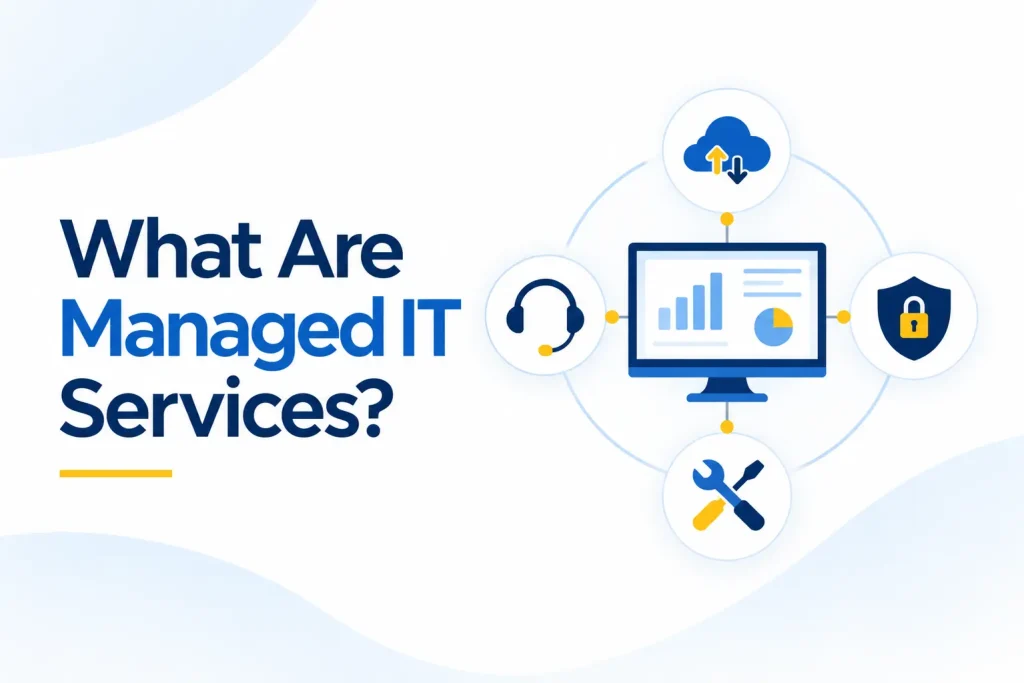
What Are Managed IT Services?
Managed IT services provide ongoing technology support through an external provider, usually under a recurring agreement. Instead of contacting a technician only when something breaks, the business receives an agreed combination of support, monitoring, maintenance, security, and planning.
Services may include:
● Help desk support
● User onboarding and offboarding
● Device, server, and network monitoring
● Patch and update management
● Microsoft 365 and cloud administration
● Cybersecurity tools and oversight
● Backup monitoring
● Vendor coordination
● Technology planning and budgeting
Managed IT services for small business environments can provide access to a broader team without requiring the organization to recruit every technical specialty internally.
The exact value depends on the agreement. A business should confirm what is included, what costs extra, how support is delivered, and which responsibilities remain with the client.
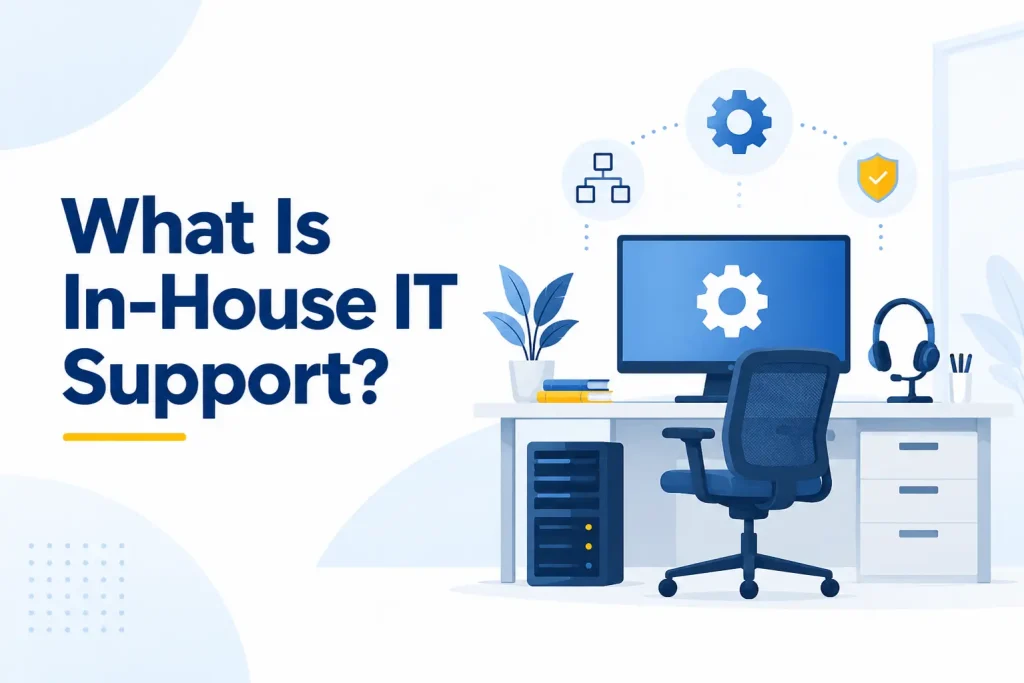
What Is In-House IT Support?
In-house IT support is delivered by employees who work directly for the organization. Depending on the company, this may be one generalist, a small team, or a department with specialized roles in support, infrastructure, cloud systems, security, applications, data, and leadership.
Internal employees can develop detailed knowledge of business processes, people, applications, and priorities. They are also directly accountable to company leadership and can be physically present when on-site support matters.
However, one employee may be responsible for a very broad environment. A capable support technician may not also be a cybersecurity specialist, network architect, cloud engineer, compliance adviser, and technology strategist.
The question is not whether internal employees are valuable. It is whether the organization can hire, develop, equip, retain, and provide backup coverage for all the skills and hours it requires.
A Quick Overview of the Two IT Models
Managed IT services typically provide a business with access to a team of technicians, engineers, security specialists, and technology advisers for a predictable recurring fee.
The provider may offer help desk support, monitoring, maintenance, cybersecurity, backup oversight, cloud administration, and strategic planning under one agreement. Coverage can often expand as the business grows, although the quality and scope of service depend heavily on the provider and contract.
In-house IT gives the organization direct control over its technology employees and priorities. Internal staff can develop detailed knowledge of the company, its systems, and the way employees work. They may also provide immediate on-site assistance.
However, the business must cover salaries, benefits, recruitment, training, management tools, and backup support when employees are unavailable.
The two models also differ in how they provide expertise and continuity. An MSP can distribute responsibilities across a larger team, while an internal department keeps knowledge and decision-making within the organization.
A small internal team may be limited by its available skills and working hours. Meanwhile, an external provider may need time and consistent communication to understand the business properly.
When evaluating managed IT vs internal IT, focus on the coverage, expertise, responsiveness, security, accountability, and business knowledge each option can actually provide. The quality of the people, processes, documentation, leadership, and service agreement matters more than the label attached to the model.
1. Comparing the Total Cost
Cost is often the first factor in the outsourced IT vs in-house IT decision. However, comparing an MSP fee with one salary does not show the full picture.
The total cost of an internal employee may include:
● Salary
● Payroll taxes and benefits
● Recruitment expenses
● Training and certifications
● Management time
● Hardware and software
● Security and management tools
● Coverage during holidays, illness, and turnover
● Additional consultants for specialized work
The U.S. Bureau of Labor Statistics reports that the May 2025 median wage was $61,860 for computer user support specialists and $76,220 for computer network support specialists.
Those figures represent wages, not the complete cost of employing, equipping, managing, and supporting an internal IT function.
An MSP typically charges per user, per device, per location, or according to a defined service package. This can make monthly costs easier to forecast. However, projects, after-hours work, security services, hardware, and onboarding may cost extra.
Neither model is automatically cheaper. Compare the total cost against the scope, hours, expertise, tools, and risk coverage the business receives.
2. Access to Technical Expertise
Modern business technology spans user support, networking, cloud platforms, identity, cybersecurity, backups, compliance, hardware, telecommunications, and business applications.
One internal employee may understand the environment extremely well but cannot realistically specialize in every area. A larger internal department can develop deeper coverage, but it requires a larger budget and strong technical leadership.
A managed service provider can distribute work across technicians, engineers, security specialists, project staff, and strategic advisers. This is one of the main advantages when comparing an MSP vs in-house IT for a small or mid-sized organization.
However, access to a team does not automatically guarantee quality. Businesses should ask:
● Which skills are available internally at the MSP?
● Which services are outsourced to other vendors?
● Who handles complex escalations?
● What certifications and experience are relevant?
● Will the same people become familiar with the environment?
The best model gives the business the right expertise when it is needed, not simply the largest number of people.
3. Support Availability and Responsiveness
Internal IT employees may be able to walk to a desk, see the problem directly, and understand why it matters. That immediate business context can make in-house IT support highly responsive.
The limitation is coverage. A single employee cannot provide continuous support while also handling projects, maintenance, planning, meetings, leave, and training. Even a small team may struggle during several simultaneous incidents.
An MSP can provide a shared help desk, escalation paths, and extended support hours. Because multiple people are available, the service may continue when one technician is unavailable.
Ask the provider to distinguish between:
● Initial acknowledgement
● Time to begin work
● Target resolution
● Service restoration
● Progress-update frequency
● After-hours response
An internal team may deliver faster personal attention, while a strong provider may offer better coverage and depth.
The correct choice depends on how many users need help, when they work, how often on-site assistance is required, and how costly downtime is.
4. Cybersecurity and Compliance
Cybersecurity requires governance, asset visibility, protective controls, threat detection, incident response, and recovery.
The NIST Cybersecurity Framework 2.0 Small Business Quick-Start Guide organizes these needs around six functions: Govern, Identify, Protect, Detect, Respond, and Recover.
An internal team gives the business direct control over security decisions. Employees may also understand sensitive workflows and regulatory duties better than an outside provider.
However, smaller teams may lack dedicated security specialists, extended monitoring, advanced tools, or time to investigate alerts. An MSP or managed security provider may provide broader capabilities, but the business must also examine the provider’s security practices.
CISA’s guidance for MSPs and their customers emphasizes multifactor authentication, least privilege, logging, monitoring, separation of environments, and clear responsibility between the provider and customer.
Outsourcing technology does not outsource accountability. Contracts should define who manages identities, patches, backups, alerts, incidents, compliance evidence, and risk acceptance.
5. Business Knowledge and Day-to-Day Context
Internal employees often have an advantage in business knowledge. They hear about changes early, understand informal workflows, know which applications are critical, and can see how technology affects different departments.
That knowledge can improve prioritization. An issue that appears minor technically may be urgent because it affects payroll, a client deadline, or an executive presentation.
An external provider must earn that context through onboarding, documentation, regular communication, and relationship management.
Weak providers treat tickets as isolated technical requests. Strong providers learn the business and connect their recommendations to operations.
When comparing managed services vs internal IT, ask how the provider will learn:
● Business priorities
● Critical systems
● Key employees and decision-makers
● Industry requirements
● Important deadlines
● Risk tolerance
● Growth plans
Internal knowledge is valuable, but it should be documented. A business becomes vulnerable if important information exists only in one employee’s memory.
6. Control, Accountability, and Decision-Making
An in-house team reports directly to company leadership. Management can set priorities, assign projects, change processes, and integrate IT closely with other departments.
With outsourced IT support, control is shared through the contract, service scope, escalation process, and relationship-management structure. The client may not
direct individual technicians or change priorities without following agreed procedures.
This does not necessarily reduce accountability. A well-written service agreement can provide clear deliverables, reporting, response targets, and escalation rights.
In contrast, an internal team without goals or performance measures may also lack accountability.
Consider:
● Who approves technology changes?
● Who accepts security risks?
● Who owns vendor relationships?
● Who controls administrator accounts?
● Who owns documentation and configurations?
● How are priorities changed?
● How is performance reviewed?
Core business assets such as domains, cloud tenants, subscriptions, and data should remain under appropriate company ownership and oversight, regardless of which model is selected.
7. Scalability and Changing Business Needs
A growing business may need to onboard employees quickly, open new locations, support remote users, integrate acquisitions, or adopt new systems.
An MSP can often expand service coverage without the client recruiting a new employee for every stage of growth. This can make managed IT services for small business particularly useful when technology needs are increasing but do not yet justify a full internal department.
However, the provider’s capacity should not be assumed. Ask how it handles rapid growth, large projects, multiple locations, and sudden increases in support demand.
An internal team can scale too, but hiring takes time. New employees require recruitment, onboarding, training, management, and familiarity with the environment. The advantage is that the new capability becomes part of the organization.
The right decision depends on whether growth is predictable, how quickly additional support is needed, and whether the organization wants to build technology expertise as an internal long-term capability.
8. Continuity, Coverage, and Employee Turnover
A single internal IT employee can become a critical dependency. If that person takes leave or resigns, the business may temporarily lose technical capacity and institutional knowledge.
A provider can distribute documentation and responsibilities across a team. A technician’s absence should not stop support if the MSP has mature processes.
However, providers also experience employee turnover. The client should ask how knowledge is documented, how new technicians are trained, and whether too many unfamiliar people will handle the account.
Continuity requires:
● Accurate system documentation
● Individual administrator accounts
● Secure credential management
● Current vendor information
● Written onboarding and offboarding procedures
● Backup coverage for key responsibilities
● Clear escalation paths
The stronger model is the one that keeps the business supported when individuals are unavailable. That may be an MSP, a sufficiently staffed internal team, or a co-managed combination.
9. Technology Tools and Operational Maturity
Effective IT management requires more than technical knowledge. It also needs tools and processes for ticketing, monitoring, patching, documentation, endpoint management, backups, security, reporting, and automation.
An MSP can spread the cost of these platforms across its client base. An internal team must select, license, configure, and maintain its own toolset.
The U.S. Small Business Administration’s cybersecurity guidance recommends measures such as software updates, multifactor authentication, restricted privileges, network protection, and reliable backups.
Whichever IT model you choose should demonstrate how those controls are implemented and verified.
Tools alone do not prove maturity. Ask how alerts are reviewed, failed patches are remediated, backups are tested, recurring tickets are analyzed, and documentation is kept current.
An expensive dashboard that no one monitors creates little value. A mature operation connects tools to accountable people and repeatable processes.
10. Strategic Planning and Technology Leadership
Daily support keeps employees productive. Strategic IT planning helps the organization make better long-term decisions.
An experienced internal IT leader may have a strong understanding of company goals, budgets, workflows, and internal operations. That person can participate directly in management discussions and guide change from inside the organization.
An MSP may offer virtual CIO or technology-advisory services. This can give a smaller business access to experienced guidance without hiring a full-time IT executive. The quality varies, so ask what the service includes.
Useful strategic planning should cover:
● Technology roadmaps
● Hardware replacement
● Cloud planning
● Cybersecurity priorities
● Budget forecasting
● License optimization
● Business continuity
● Compliance needs
● Major projects
● Growth and acquisition support
The strongest relationship connects technical decisions to business outcomes. Strategy should not become a sales presentation for additional products.
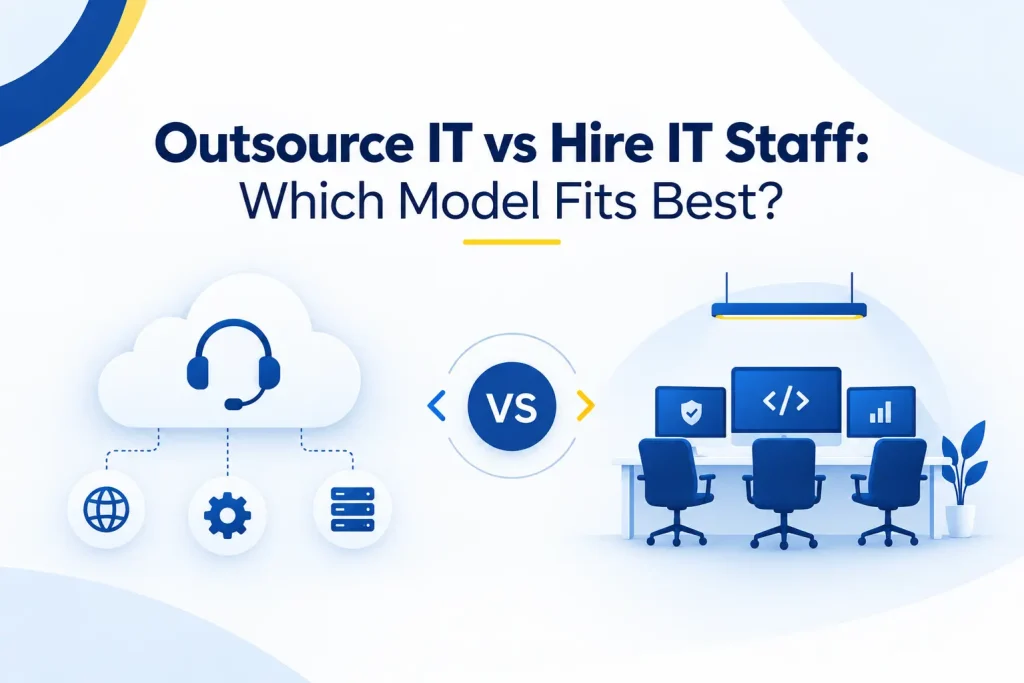
Outsource IT vs Hire IT Staff: Which Model Fits Best?
The decision to outsource IT vs hire IT staff should begin with business requirements rather than assumptions about cost.
Managed IT services may fit better when:
● The business does not have internal IT staff
● One employee cannot cover all required skills
● Support needs extend beyond normal office hours
● The company needs predictable recurring support
● Security and monitoring require broader expertise
● The organization is growing quickly
● Leadership needs technology planning without a full-time IT executive
In-house IT may fit better when:
● Technology is a core business capability
● Systems are highly specialized
● Constant on-site presence is essential
● The company needs direct daily control over priorities
● The organization can support a properly staffed department
● Internal knowledge and rapid coordination are critical
The answer may also change over time. A small business may begin with an MSP, add an internal IT manager as it grows, and continue using the provider for help desk coverage, security, projects, or specialized expertise.
Managed IT vs IT Employee: Why This Is Not Always Either-Or
The managed IT vs IT employee comparison is often presented as a choice between replacing internal staff and outsourcing everything. In practice, many organizations use a co-managed model.
Co-managed IT divides responsibilities between internal employees and an MSP. For example:
● Internal IT handles business applications and on-site priorities
● The MSP provides help desk overflow and after-hours coverage
● Internal leadership controls strategy and vendor decisions
● The MSP manages endpoints, patches, backups, and monitoring
● A managed security provider handles detection and incident response
● The MSP supplies specialist expertise for cloud or infrastructure projects
This model can preserve internal knowledge while reducing single-person dependency and filling skill gaps.
It still requires clear ownership. The agreement should define who handles tickets, changes, alerts, incidents, documentation, vendors, and approvals. Shared responsibility works only when these boundaries are understood.
How to Compare In-House IT vs Managed Services
Create a requirements-based scorecard rather than deciding from price alone. Evaluate:
● Number of users, devices, and locations
● Required support hours
● Need for on-site assistance
● Current technical skills
● Cybersecurity and compliance requirements
● Critical systems and acceptable downtime
● Planned growth
● Recruitment capacity
● Required strategic leadership
● Tool and licensing costs
● Backup and incident-response needs
● Desired level of control
Calculate the total cost of each option. For an internal model, include salaries, benefits, tools, training, management, specialist consultants, and coverage gaps.
For an MSP, include the recurring agreement, onboarding, projects, hardware, security add-ons, after-hours work, and contract increases.
Then compare risk. A lower-cost model may become expensive if it leaves the business without adequate security, recovery, expertise, or continuity.
How Capitol Technology Can Help?
Capitol Technology’s managed IT services provide responsive user support, proactive monitoring, maintenance, security oversight, vendor coordination, and long-term technology planning for businesses in Washington, DC and surrounding markets.
We can operate as a fully managed provider or work alongside existing employees in a co-managed relationship. The right structure depends on your internal capabilities, users, systems, support expectations, risks, and growth plans.
Our data and network security services can also strengthen identity protection, endpoint security, email defenses, monitoring, incident response, and backup readiness.
The goal is not to replace internal expertise unnecessarily. It is to give the business dependable coverage, clearer accountability, stronger protection, and access to the skills it needs.
Conclusion
There is no universal winner in the managed IT services vs in-house IT decision.
Managed services can provide broader expertise, scalable coverage, specialized tools, and predictable support. An internal team can provide deeper business knowledge, direct control, immediate on-site presence, and close integration with leadership.
Some businesses need one model. Others benefit most from a co-managed approach that combines internal knowledge with external capacity and specialization.
Compare the complete cost, not just salaries and monthly fees. Evaluate expertise, availability, security, continuity, tools, control, strategy, and business fit.
The right choice is the model that keeps employees productive, protects important systems, and supports the organization’s long-term goals.
Ready to evaluate your current IT model? Contact Capitol Technology for a practical discussion about your internal capabilities, support needs, security priorities, and growth plans.
Frequently Asked Questions
Should I Outsource IT or Hire an IT Employee?
Outsource IT when you need broader expertise, team coverage, predictable support, or specialized tools without building a department.
Hire internally when constant on-site presence, direct control, specialized business knowledge, or deeply integrated technology leadership justifies a full-time role. A co-managed model can combine both.
Is an MSP Cheaper Than an Internal IT Team?
It can be, particularly for a smaller business that would otherwise need several technical specialties.
However, compare the complete scope. Internal costs include compensation, tools, training, recruitment, management, and coverage. MSP costs may include onboarding, projects, security add-ons, hardware, and after-hours work.
When Should a Business Outsource IT?
A business should consider outsourced IT support when technology needs exceed internal capacity, support gaps affect employees, security requires additional expertise, growth is accelerating, or leadership lacks time to manage vendors and infrastructure.
Do I Need an MSP if I Already Have IT Staff?
Possibly. An MSP can complement internal staff through help desk overflow, monitoring, cybersecurity, after-hours coverage, projects, specialist expertise, or backup during employee leave.
Responsibilities should be documented clearly in a co-managed agreement.
What Size Business Needs Managed IT Services?
There is no fixed minimum size. A small organization may need managed services because it has no internal IT employee, while a larger company may use an MSP to supplement a full department.
Complexity, risk, support hours, and internal capacity matter more than employee count alone.